“BadUSB — On accessories that turn evil” at Black Hat, Las Vegas, Aug 6-7 2014

Karsten Nohl and Jakob Lell will be presenting BadUSB at BlackHat 2014 in August 2014 USB has become so commonplace that we rarely worry about its security implications. USB sticks undergo the occasional virus scan, but we consider USB to …

Karsten Nohl and Jakob Lell will be presenting BadUSB at BlackHat 2014 in August 2014

USB has become so commonplace that we rarely worry about its security implications. USB sticks undergo the occasional virus scan, but we consider USB to be otherwise perfectly safe — until now.

This talk introduces a new form of malware that operates from controller chips inside USB devices. USB sticks, as an example, can be reprogrammed to spoof various other device types in order to take control of a computer, exfiltrate data, or spy on the user.

We demonstrate a full system compromise from USB and a self-replicating USB virus not detectable with current defenses.

We then dive into the USB stack and assess where protection from USB malware can and should be anchored.

A preview of features for Flightgear 3.2

Flightgear is constantly under development and as the feature freeze for the next 3.2 release approaches, it is becoming increasingly clear what the next version will have to offer to users:

Missions

The Flightgear world is becoming more interesting…

A mission subsystem is being added. This allows to define tasks to be completed by a player which then receives points. Visual guidance symbols can be used to indicate the location of the next task. The mission system combines with the Milestone 4 release of the walker,and thus more complex adventures can be built in which the player has to exit …
Read the rest… >>

Flightgear is constantly under development and as the feature freeze for the next 3.2 release approaches, it is becoming increasingly clear what the next version will have to offer to users:

Missions

The Flightgear world is becoming more interesting…

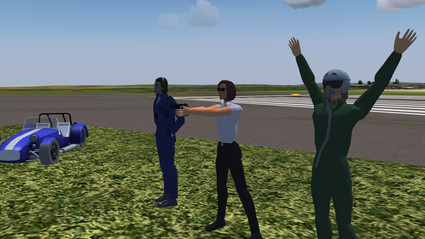
A mission subsystem is being added. This allows to define tasks to be completed by a player which then receives points. Visual guidance symbols can be used to indicate the location of the next task. The mission system combines with the Milestone 4 release of the walker,and thus more complex adventures can be built in which the player has to exit an aircraft and walk to a certain location.

The walker subsystem now allows for more complex animated motion and adds NPCs, characters with whom a player can interact. Also, check out the selection of cars and motorbikes to explore the Flightgear world!

Cloud shadows

Finally some shade!

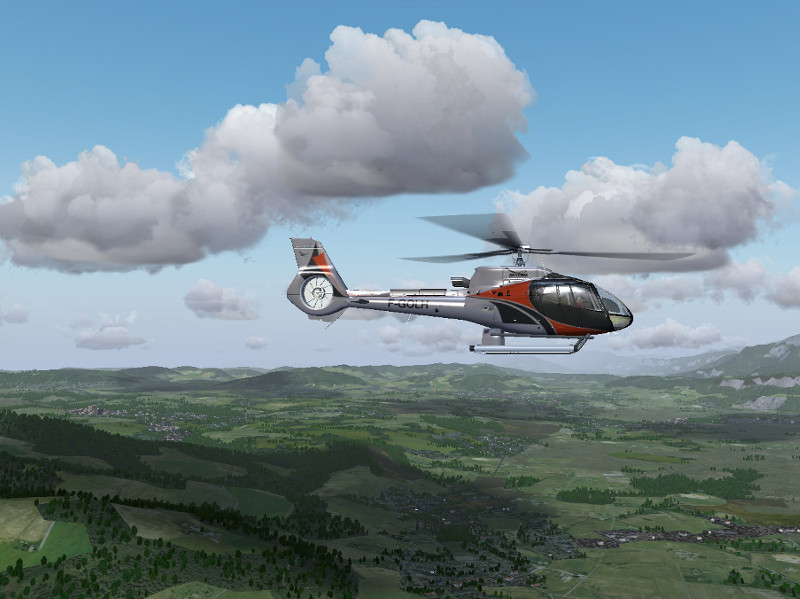
Cloud shadows are notoriously difficult to render, but for Advanced Weather in combination with the Atmospheric Light Scattering rendering framework, there is now an experimental option to add them (at least close to the aircraft) to the experience.

Earthview

See the world from high up!

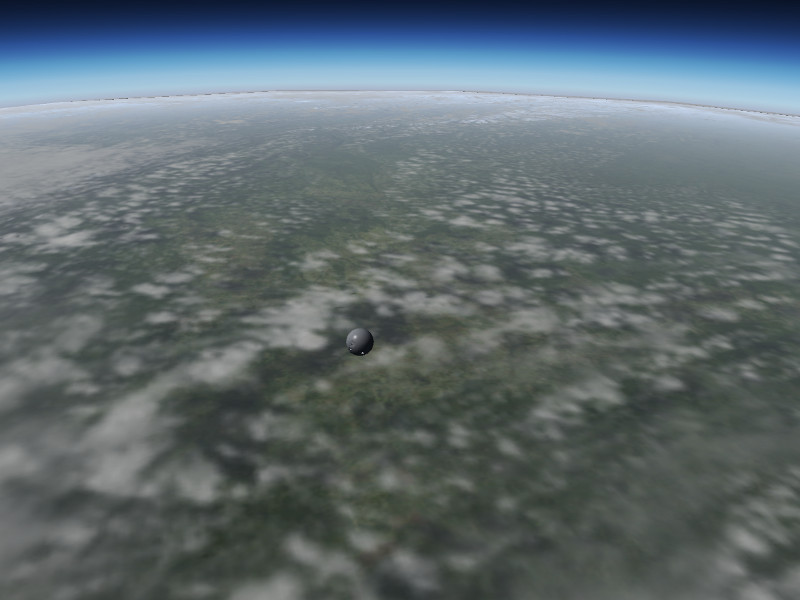
Introduced to provide better visuals for the spacecraft in Flightgear, Earthview is an alternative rendering engine intended for use at high altitudes. It renders Earth as a simple, textured sphere surrounded by a cloud sphere. The textures are provided by the NASA Visible Earth project. By default, a set of 2048×2048 textures is distributed, but Earthview is intended to allow easy access for users who want to install their own hires texture set. At full resolution of about 21000×21000 pixels per texture provided by NASA, it looks simply spectacular even from just 50 km altitude – see the Vostok capsule above entering the atmosphere.

Built-in http server

Access the property tree in a novel way!

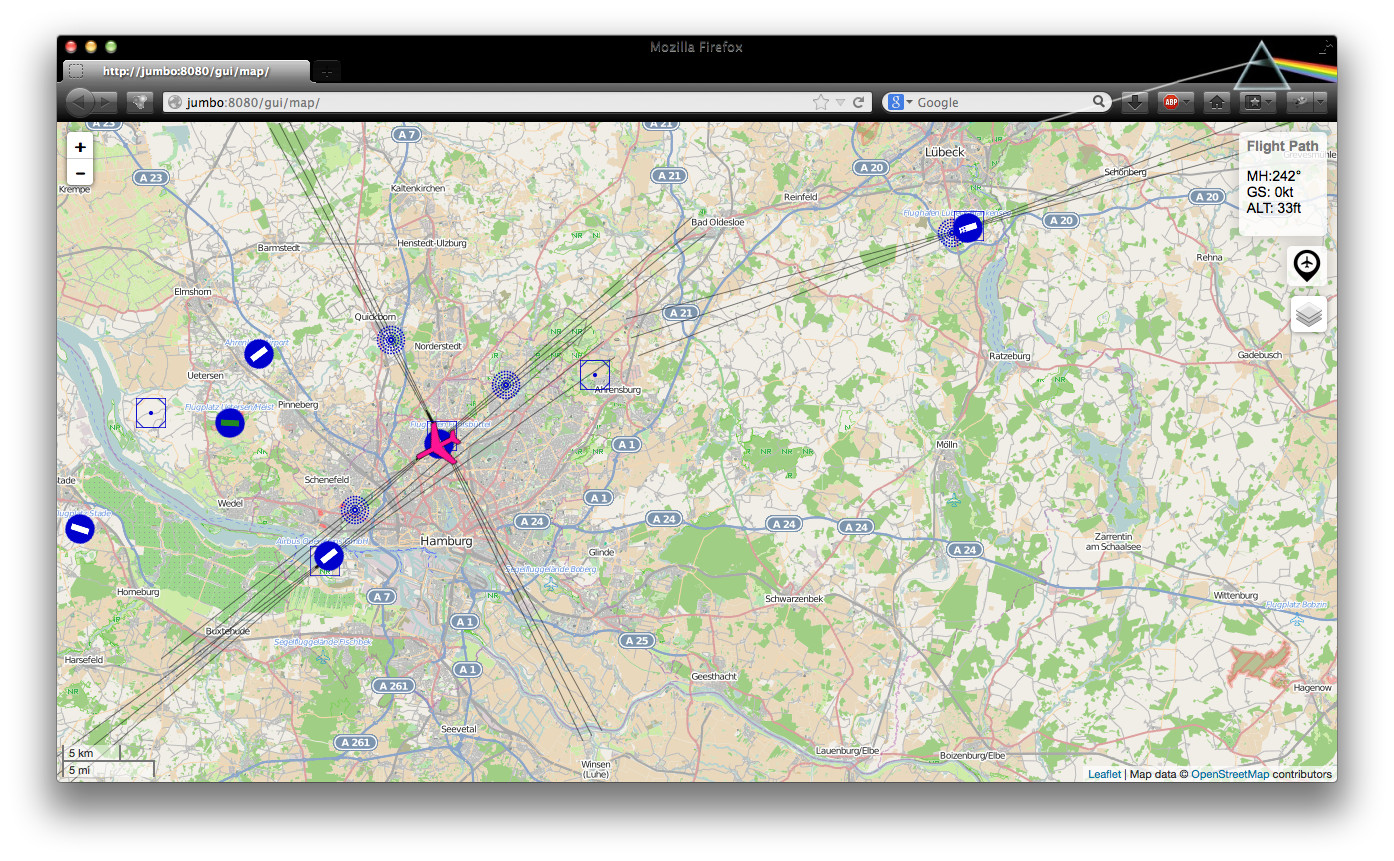
Flightgear now includes the Mongoose web server as a httpd. This allows for interesting new application, for instance merging information from Flightgear and OpenStreetMap or Mapquest, leading to a new moving map application covering the whole world is available which tracks the airplane’s position.

Cloud drawing distance

See clouds out to the horizon!

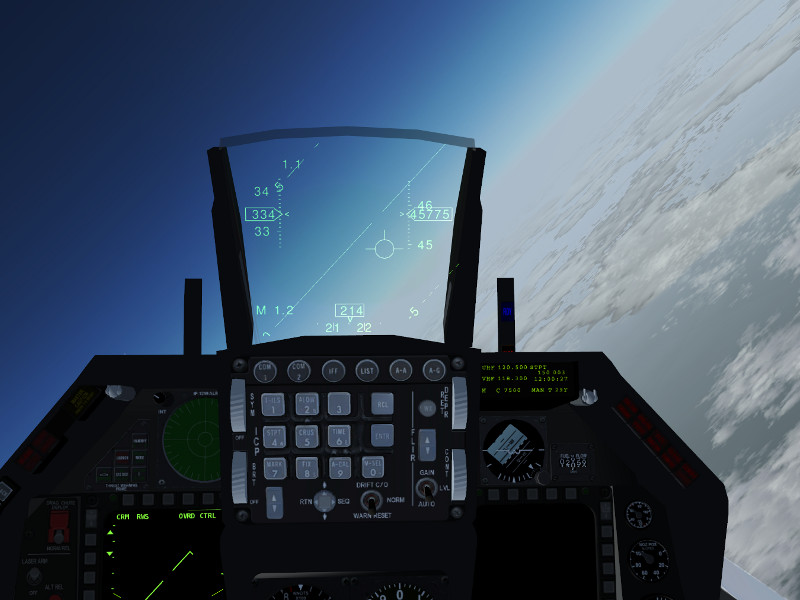
Flightgear’s weather rendering so far has not been up to the task of showing a plausible view from high altitude. But this has now changed – a new framerate-friendly impostor technique is used to render clouds out to the horizon – wherever that may be (the system has been tested for 1000 km visibility from low Earth orbit).

Rendering improvements

Visuals keep getting better!

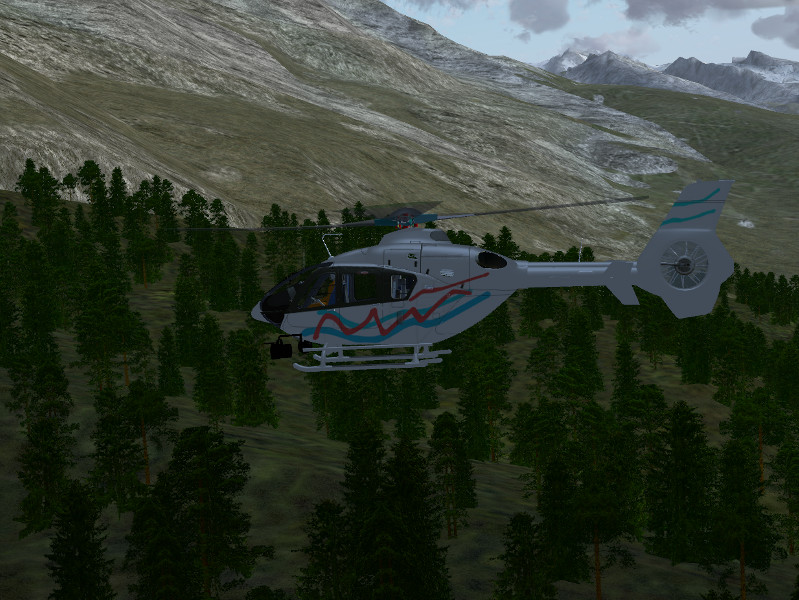
Lots of work has been done on the small details. New tree textures at higher resolutions make the forests actually look nice. Novel noise function are used to improve the visuals of snow on steep terrain slopes, to change tree height in discrete patches mimicking patterns of forest management, or to remove tiling artifacts from large-scale agriculture. Enjoy all the details the new version will have to offer.

And many improvements more!

Much work is done under the hood which is not obviously visible:

* The YASim flight dynamics engine is finally being developed further, with some long-standing bugs and limitations being addressed for the time being
* Ground interactions have been added to the JSBSim flight dynamics engine
* a new text-to-speech message is about to replace the old pre-recorded ATIS messages, adding a lot of flexibility
* an interface for allowing add-ons that use FSUIPC (an addon framework for Microsoft Flight Simulator) to talk to FlightGear
* osgEarth integration is still on the horizon

Stay tuned as we fly towards our next release!

A preview of features for Flightgear 3.2

Flightgear is constantly under development and as the feature freeze for the next 3.2 release approaches, it is becoming increasingly clear what the next version will have to offer to users.

Flightgear is constantly under development and as the feature freeze for the next 3.2 release approaches, it is becoming increasingly clear what the next version will have to offer to users.

“Mobile network attack evolution” at Positive Hack Days, Moscow, May 21-22 2014

Karsten Nohl will be presenting on Mobile network attack evolution at Positive Hack Days in Moscow, May 21-22 2014. Mobile networks should protect users on several fronts: Calls need to be encrypted, customer data protected, and SIM cards shielded from …

Karsten Nohl will be presenting on Mobile network attack evolution at Positive Hack Days in Moscow, May 21-22 2014.

Mobile networks should protect users on several fronts: Calls need to be encrypted, customer data protected, and SIM cards shielded from malware.

Many networks are still reluctant to implement appropriate protection measures in legacy systems. But even those who add mitigations often fail to fully capture attacks: They target symptoms instead of solving the core issue.

This talk discusses mobile network and SIM card attacks that circumvent common protection techniques to illustrate the ongoing mobile attack evolution.

“On our fear and apathy towards smartphone attacks” at Re:publica, Berlin, May 7 2014

Linus Neumann and Ben Schlabs will be presenting On our fear and apathy towards smartphone attacks at Re:publica on May 7th 2014. Smartphones are migrating from lifestyle object to the epicenter of communication on the individual and societal level. Equipped …

Linus Neumann and Ben Schlabs will be presenting On our fear and apathy towards smartphone attacks at Re:publica on May 7th 2014.

Smartphones are migrating from lifestyle object to the epicenter of communication on the individual and societal level. Equipped with cameras and microphones and constantly connected to communication networks, the phones are also becoming an attractive target for spies and data thieves. The fear among smartphone users grows without their knowing if and how they are actually being attacked.

This talk aims to take the fear factor out of the smartphone security discussion: We explain how phone attacks work and which ones you should be worried about, what you should demand from your network operator, and how you can protect yourself. To further drive mobile security evolution, we introduce a crowdsourced way to measure mobile network protection around the world.

FlightGear v3.0 Released

February 17, 2014 – FlightGear v3.0 is Released!

The FlightGear development team is happy to announce the v3.0 release of FlightGear, the free, open-source flight simulator. This new version contains many exciting new features, enhancements and bug fixes. Highlights in this release include integration of the FGCom voice communications client within the simulator, improved terrain rendering, faster scenery loading, and improved usability. This release also coincides with the release of FlightGear World Scenery 2.0 – massively improved scenery data covering the entirety of the planet and incorporating OpenStreetMap roads and detailed terrain information from a variety of sources.

A list …
Read the rest… >>

February 17, 2014 – FlightGear v3.0 is Released!

The FlightGear development team is happy to announce the v3.0 release of FlightGear, the free, open-source flight simulator. This new version contains many exciting new features, enhancements and bug fixes. Highlights in this release include integration of the FGCom voice communications client within the simulator, improved terrain rendering, faster scenery loading, and improved usability. This release also coincides with the release of FlightGear World Scenery 2.0 – massively improved scenery data covering the entirety of the planet and incorporating OpenStreetMap roads and detailed terrain information from a variety of sources.

A list of major changes can be found at: http://wiki.flightgear.org/Changelog_3.0.

Founded in 1997, FlightGear is developed by a worldwide group of volunteers, brought together by a shared ambition to create the most realistic flight simulator possible that is free to use, modify and distribute. FlightGear is used all over the world by desktop flight simulator enthusiasts, for research in universities and for interactive exhibits in museums.

FlightGear features more than 400 aircraft, a worldwide scenery database, a multi-player environment, detailed sky modelling, a flexible and open aircraft modelling system, varied networking options, multiple display support, a powerful scripting language and an open architecture. Best of all, being open-source, the simulator is owned by the community and everyone is encouraged to contribute.

Download FlightGear v3.0 from FlightGear.org and “Fly Free!”

FlightGear – Fly Free!

FlightGear 3.0 released

The FlightGear development team is happy to announce the v3.0 release of FlightGear, the free, open-source flight simulator.

The FlightGear development team is happy to announce the v3.0 release of FlightGear, the free, open-source flight simulator.

Pushing the boundaries – the X-15 story

Suborbital flight with the X-15

Going to the edge of space… and back!
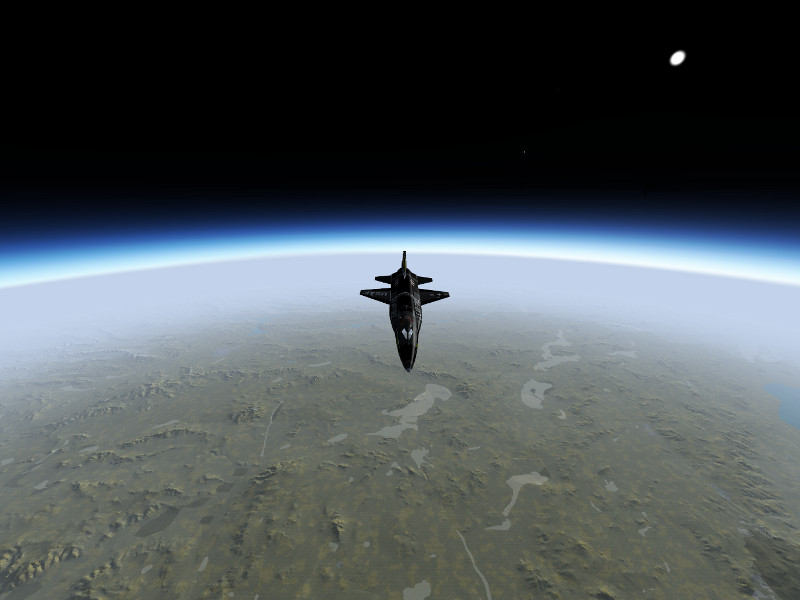
Operational history of the X-15

The North American X-15 was a rocket-powered, hypersonic research aircraft operated from 1959 to 1968 by the US Airforce and NASA. During that time, it set a number of records and greatly expanded the knowledge about conditions in the upper atmosphere and in hypersonic flight, thus ultimately laying the foundations upon which the Space Shuttle was built.

The X-15 reached Mach 6.72 on October 3, 1967, which is still today the official world record for the highest speed ever reached by a …
Read the rest… >>

Suborbital flight with the X-15

Going to the edge of space… and back!

Operational history of the X-15

The North American X-15 was a rocket-powered, hypersonic research aircraft operated from 1959 to 1968 by the US Airforce and NASA. During that time, it set a number of records and greatly expanded the knowledge about conditions in the upper atmosphere and in hypersonic flight, thus ultimately laying the foundations upon which the Space Shuttle was built.

The X-15 reached Mach 6.72 on October 3, 1967, which is still today the official world record for the highest speed ever reached by a manned aircraft. In ballistic flight, it reached a top altitude of 354,200 feet (107.8 km) on August 22, 1963, crossing the boundary of space as defined by the Fédération Aéronautique International and making the X-15 the worlds first spaceplane. The 100 km altitude was only crossed on one other flight, but since the USAF defined the criterion for spaceflight by reaching an altitude of 50 miles, 13 different flights met this criterion and qualified the pilots for astronaut status.

Technical data

The X-15 is powered by the XLR-99 using ammonia and liquid oxygen as propellants, giving the plane a thrust of 70,400 lb and a thrust/weight ratio of 2.07. The rocket engine would only burn for about 80 seconds, the smallest part of the whole flight profile, but this would be sufficient to fling the plane on a high reaching ballistic trajectory or to accelerate it to tremendous velocities. It was the first man-rated rocket engine that could be throttled.

The plane has a thick wedge tail for stability at hypersonic flight conditions, however this produces a lot of drag at lower speeds. This means that the glide slope in the unpowered approach back to base is rather steep, and once back in the lower atmosphere, the X-15 sinks rapidly.

For maneuvering in the upper atmosphere where there is no significant air and the control surfaces do not work, the X-15 is equipped with a reaction control system (RCS) using hydrogen peroxide as propellant.

Flight dynamics of the X-15 in Flightgear is based on NASA-TN-D-2532 ‘Flight Measurements of Stability and Control Derivatives of the X-15 Research Airplane to a Mach Number of 6.02 and an Angle of Attack of 25 degrees’.

The RCS is not modeled in the default version of the X-15 available from the Flightgear download page, however an alternative versions of the X-15 with RCS and 3d cockpit are linked below.

Getting ready for suborbital flight

In reality, the X-15 was dropped from a B-52 aircraft at typically 45,000 ft and 450 kt, and then started its engines. This required a lot of preparation, however we also need to prepare the sim for suborbital flight.


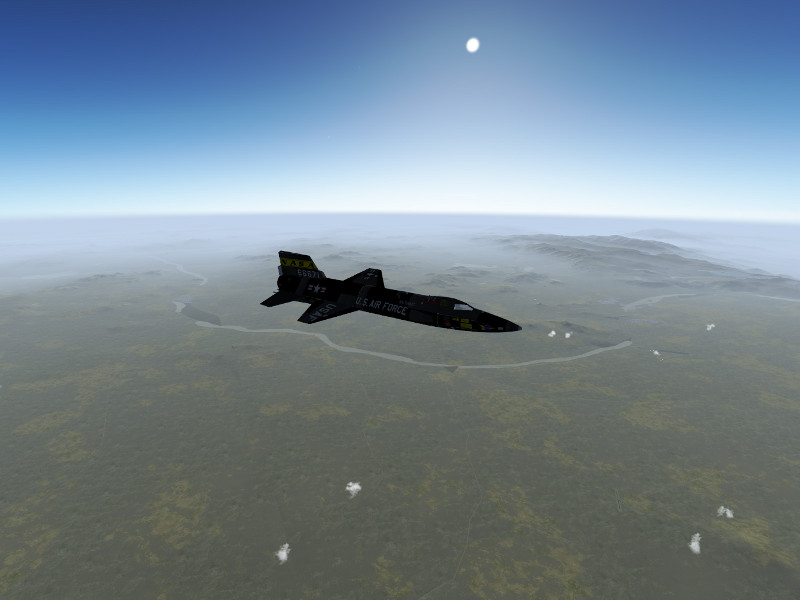
Rendering suborbital flight is nothing Flightgear is designed to do, but as it is a very flexible framework, it can still be made to do it. The main problem is opening up the visibility to values which are plausible from the top of a ballistic arc at the edge of space, which amounts to about 400-600 km. This will require a modern graphics card and lots of system memory (the screenshots below were done on a GeForce GTX 670M with 3 GB GPU memory and another 8 GB system memory, this delivered a framerate of ~20 fps at arc top). Trying to open the visibility to large values can have severe performance impacts to the point that FG becomes unresponsive and can crash FG when memory actually runs out – it is recommended to try suitable settings with the ufo before using the X-15.

Some settings need to be tweaked:

* In order for the terrain to be loaded, the LOD range for terrain needs to be set. In the menu, View->Adjust LOD ranges, and set LOD bare to 500000 in order to allow terrain to be loaded up to 500 km distance.

* Loading terrain doesn’t help if the renderer does not display it. The camera of the renderer needs to be instructed not to clip faraway objects. Open the property browser from the Debug->Property Browser menu, and change into /sim/rendering/camera-group/ and adjust zfar to 500000 (or set the property at startup via commandline).

* Finally the weather system needs to be convinced to produce large visibility at high altitude. For Basic Weather, set the visibility at high altitude accrodingly in the mask. Advanced Weather will do it automatically if Max. Visibility in the Advanced Settings is high enough, however the gui doesn’t allow that, hence use the property browser again to set /local-weather/config/aux-max-vis-range to 13.12 (the slider operates on a log scale which is then converted to the actual value).

Switch randon objects, buildings and vegetation off before the flight – you won’t see them, and they will cost a lot of memory which you badly need otherwise. Launching over islands limits the amount of terrain to be loaded, also World Scenery 1.0 with low polygon count works better than he new World Scenery 2.0.

Finally, in the View->Rendering menu, switch Atmospheric Light Scattering on – this will render the atmosphere visuals.

One problem may be that FG can’t load the scenery fast enough. If the OS caches used files, loading the scenery from disk into memory once with an ufo-flight before using the X-15 may help here.

Climbing into space

Start the simulation in air, i.e. using commandline options –altitude=45000 and –vc=450 — this will produce the state of the X-15 just after having been dropped from a B-52. For a semi-historic trajectory, you can start above Nellis AFB (KLSV) and aim at a course of 240 deg which will roughly get you to Edwards AFB and Rogers Dry lake, the historic landing site for the X-15.

Take a few seconds after the drop to stabilize the plane into a shallow descent, double-check all settings and make sure you’re ready. If all looks well, push the throttle forward till the rocket engine ignites.
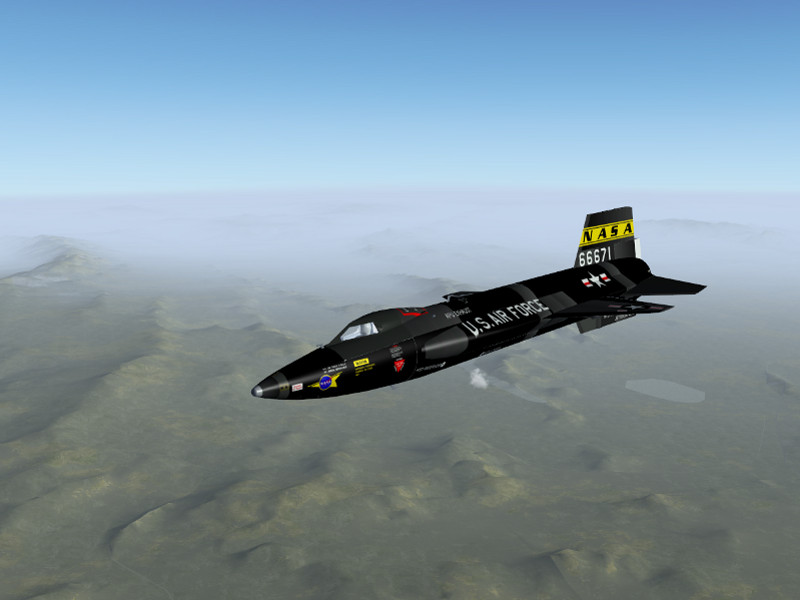
The XLR-99 delivers significant thrust, and speed will build up rapidly. We’re far too low for this, so pull gently on the stick till the plane goes into a 45 degree climb out of the lower atmosphere.
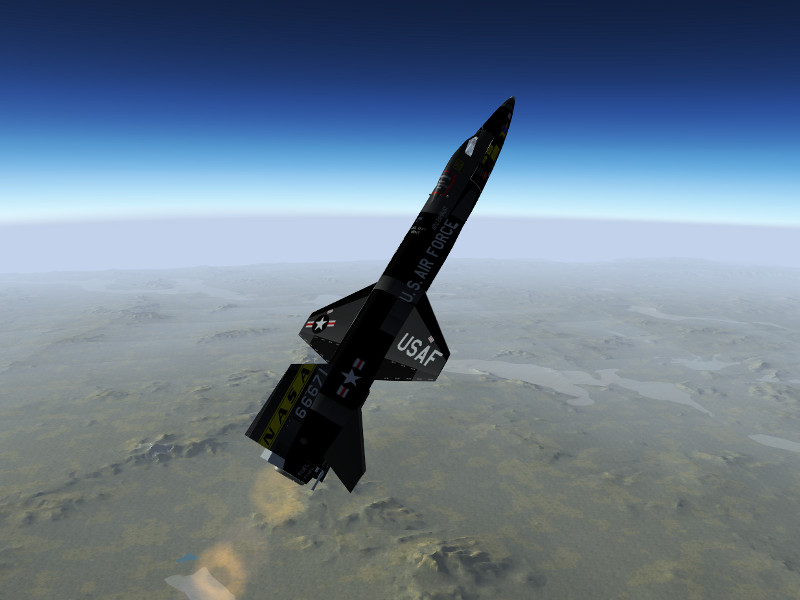
After a bit more than a minute, the main engine will cut out, but the X-15 will climb on. With increasing altitude, pressure based airspeed and altitude gauge become unreliable, so take a look at their inertial counterparts on the right side of the instrument panel now.
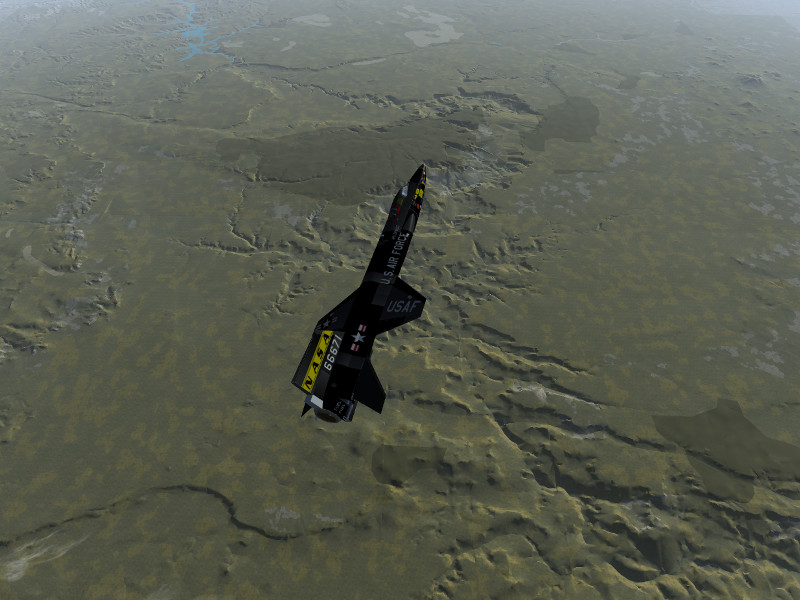
As the ballistic climb continues, the airfoils are losing effectiveness rapidly – time to switch on the RCS! Operate the BAL switch on the right side of the panel, press ‘i’ to grab the stick for RCS control (which in reality would be located on the left side of the cockpit). Think spacecraft now – there’s no damping force left, so operate the thrusters with carefully controlled bursts to stabilize the X-15. Once you have time to look out, you should see a lot of California. And Edwards AFB is really far, far down!
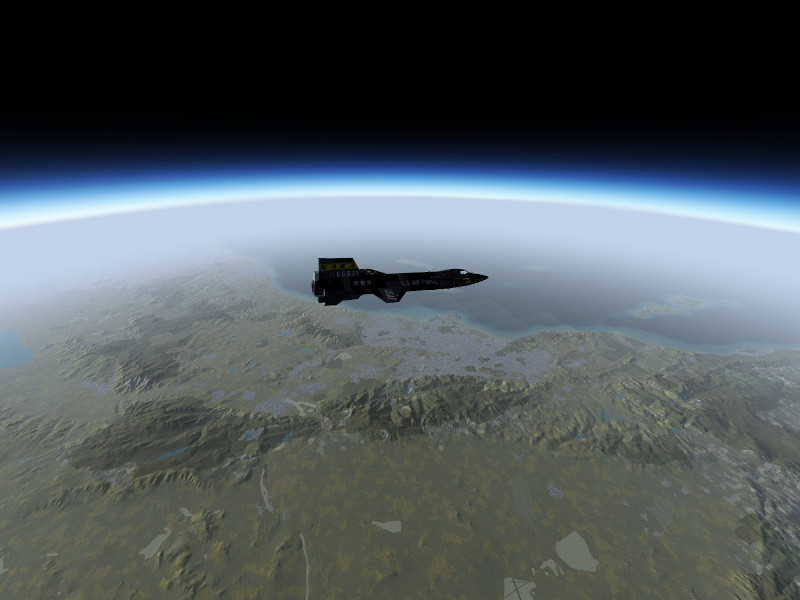
Back to Earth

Now comes the dangerous part — we’re falling down from 330.000 ft, we’re going to be really fast and the deceleration will be hard. The good news is that the view from the cockpit is now quite a bit more spectacular as the planet comes into view.
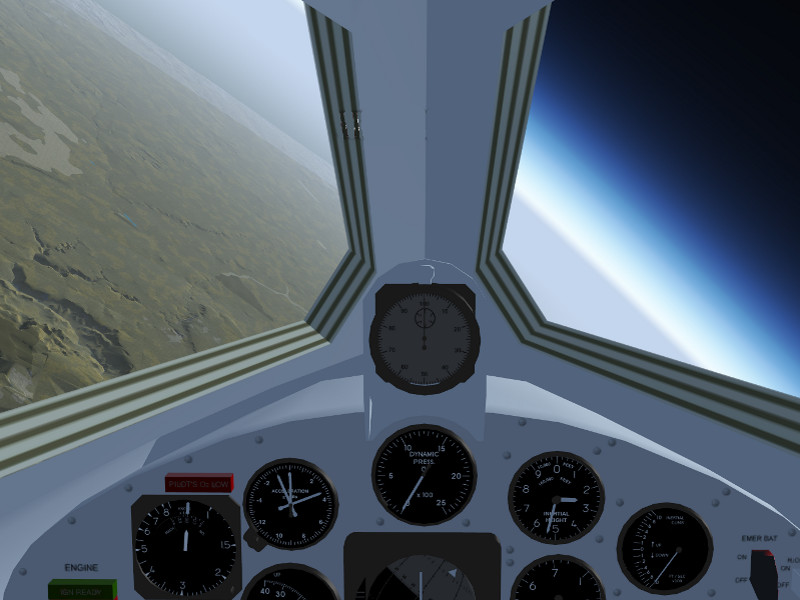
Stabilize the attitude using the RCS thrusters while high up. If the X-15 enters the atmosphere in a spin or roll condition, you will likely not survive the entry. As the plane gets lower, the airflow should start to build up, and if everything is going well, the X-15 should align its nose with the airflow.

The ailerons may become responsive below 200.000 ft already, start switching back to aerodynamical controls using the ‘u’ key and stabilize roll.
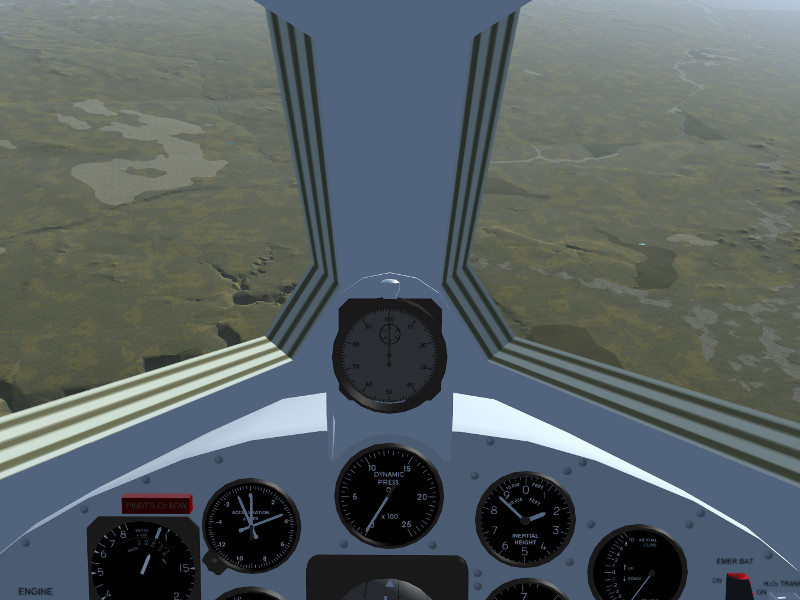
If you’ve been high up, the X-15 is falling really steeply at this point.
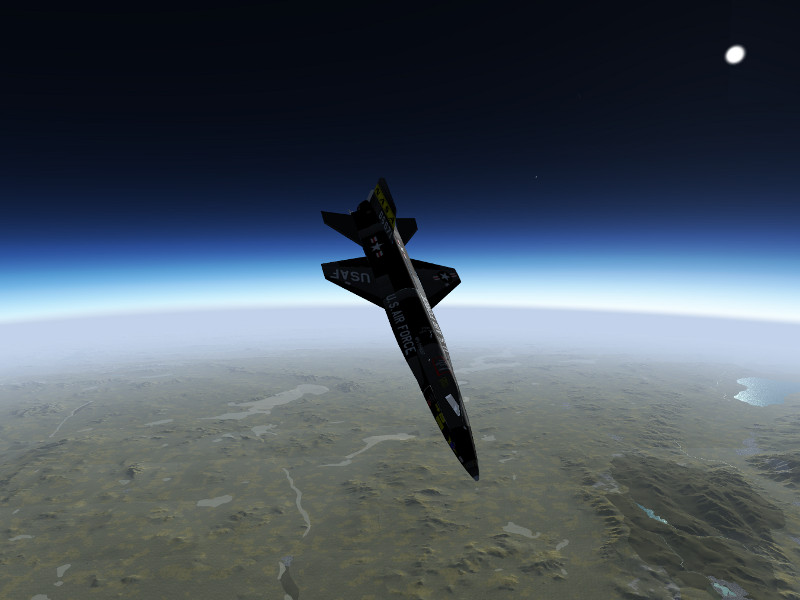
As the ground rushes closer, eventually the elevator becomes responsive as well, typically this starts below 80.000 ft. At this point, the plane will be going really fast and the ground approach rapidly. Pull back on the stick gently and watch the g-force. At this speed, even a gentle pull will translate into lots of force. Expect to experience 6-8 g during the pull out and prepare to black out in the worst phase. This is the most dangerous part of the flight.

Of course, if you don’t want to see a blackout simulated, you can always switch it off in the menu.

If everything went well, you should end up somewhere around 30.000 to 40.000 ft in level flight, with Edwards AFB (or whatever your landing site may be) in convenient reach. Now you can start trusting the pressure-based instrumentation again.
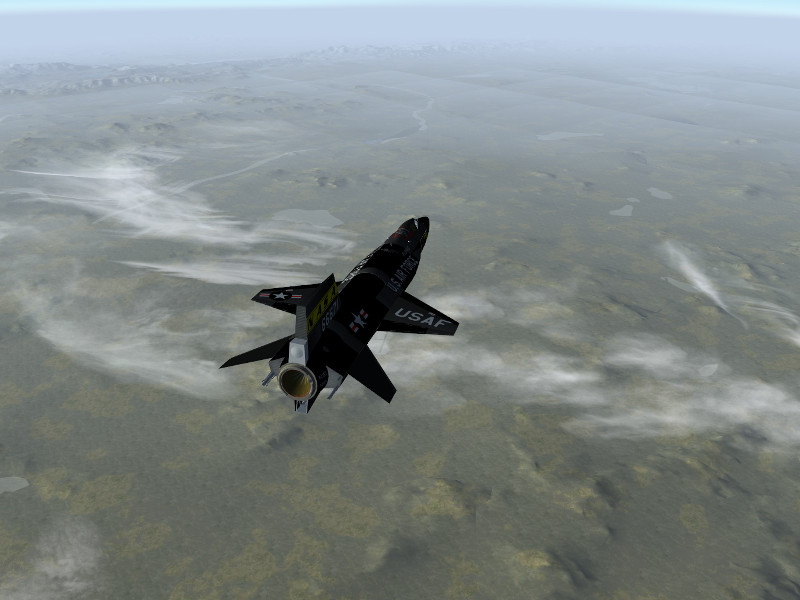
From this point, the drag of the stabilizing fins will be felt badly. Glide the plane maintaining about 300 kt. Rogers Dry Lake is a big place, so planning an approach should be reasonably easy.
Skids and gear out for the final approach…
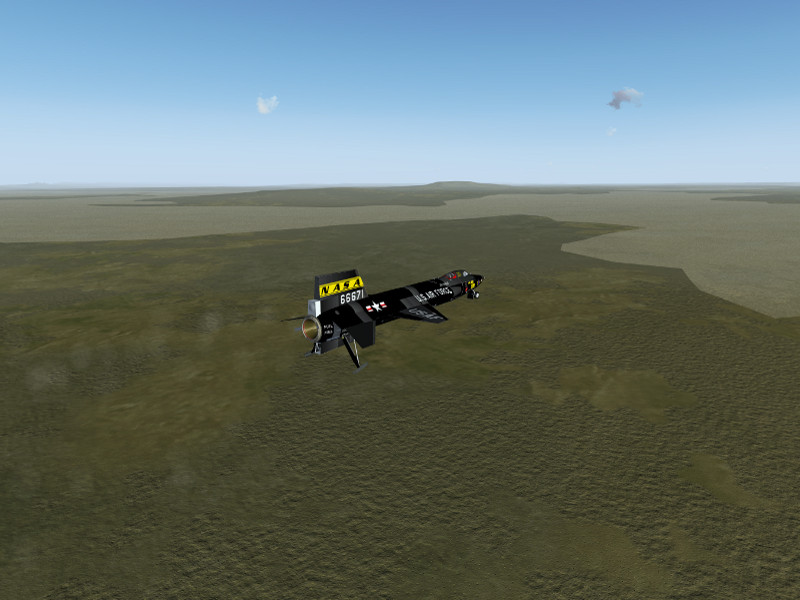
… and a safe landing on the lakebed.
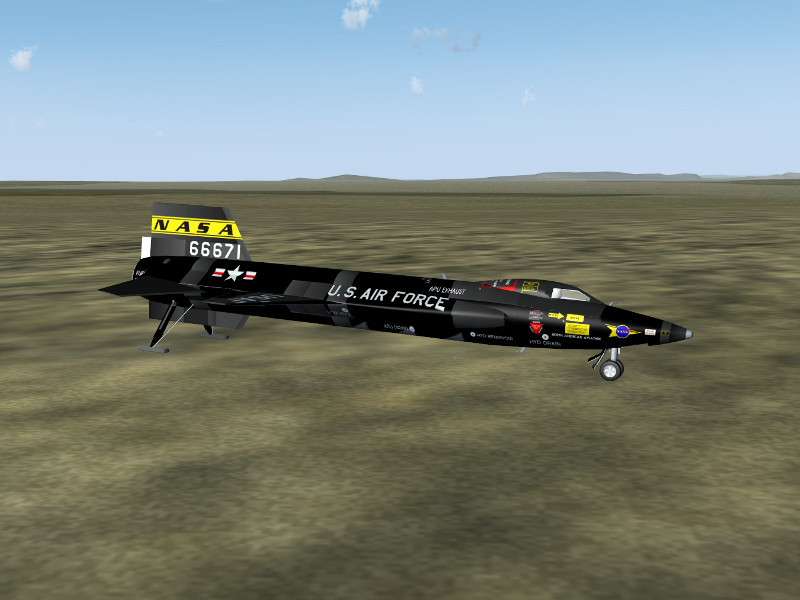
High speed profiles

Historically, the X-15 has not only been flown in high altitude profiles but also in high speed profiles. These are somewhat easier to pilot and control. For a high speed profile, aim at a more shallow climb angle, level off early and try to go horizontal around 100.000 ft, then let the X-15 accelerate and see how fast she will go.
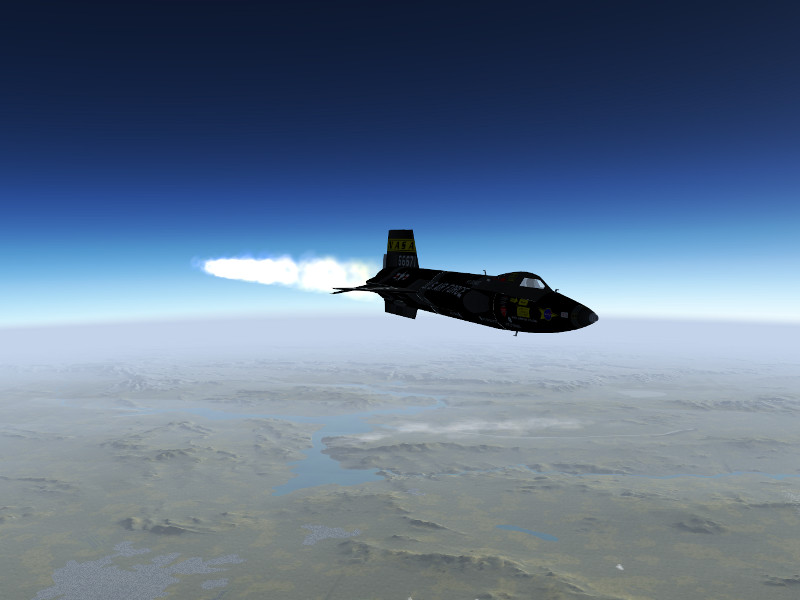
After the engine cuts out, you can simply maintain altitude till the airspeed bleeds off and then slowly descent towards the landing site. Here’s an approach to Edwards AFB from a high speed run, coming in at 60.000 ft now.
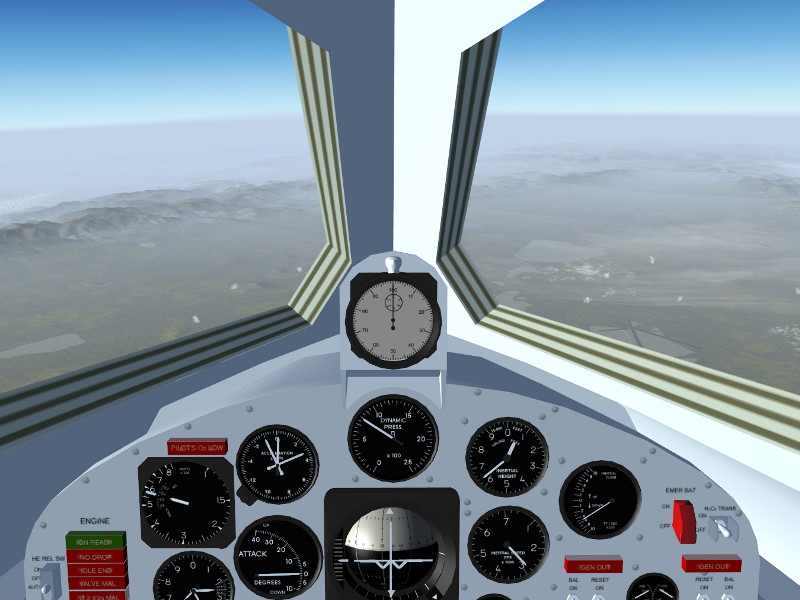
Enjoy flying the first spaceplane mankind has built!

Alternative versions of the X-15

B-52 launched X-15 by Enrique Laso Leon (requires startup from historical location and joystick throttle control)

Free launched X-15 based on Enrique’s version, allowing startup at any location and keyboard throttle control, with some sound effects added.

Special thanks

The modelers of the X-15 in Flightgear:

Enrique Laso Leon
Jon S. Berndt
World Scenery 2.0

Together with the release of Flightgear 3.0, a new world-wide scenery is now made available!

Flightgear’s world scenery is based on large-scale processing of publicly available and GPL compatible geodata. There is practically no manual intervention involved, which means that the scenery team can’t decide what quality the scenery will have at a certain location, that is only determined by the quality of the available data.

Thanks to the efforts of developers in bringing the processing toolchain up to date, the new official scenery with much better resolution than the previous scenery has now been possible. The new scenery is …
Read the rest… >>

Together with the release of Flightgear 3.0, a new world-wide scenery is now made available!

Flightgear’s world scenery is based on large-scale processing of publicly available and GPL compatible geodata. There is practically no manual intervention involved, which means that the scenery team can’t decide what quality the scenery will have at a certain location, that is only determined by the quality of the available data.

Thanks to the efforts of developers in bringing the processing toolchain up to date, the new official scenery with much better resolution than the previous scenery has now been possible. The new scenery is already available via Terrasync, but it requires a recent version of Flightgear, older versions are not capable of handling the vertex number of the new terrain mesh.

This FlightGear World Scenery was compiled from:
– ViewFinderPanoramas elevation model by Jonathan de Ferranti
– VMap0 Ed.5 worldwide land cover
– CORINE land cover 2006v16 for Europe
– Several custom land cover enhancements
– The latest airports (2013.10), maintained by Robin Peel of X-Plane
– Line data by OpenStreetMap

In general, airport layouts are now improved and updated all over the world, major roads and rivers are drawn to much higher accuracy than previously and the elevation mesh resolution is increased everywhere.

Europe

The most stunning improvements are found in Europe, where in addition to the increased resolution of the elevation mesh, also the CORINE database provides high resolution landcover data. This makes the visuals both in mountain regions as well as plains much more applealing. Combined with regional texture schemes and procedural texturing, an almost photo-realistic effect can often be achieved.

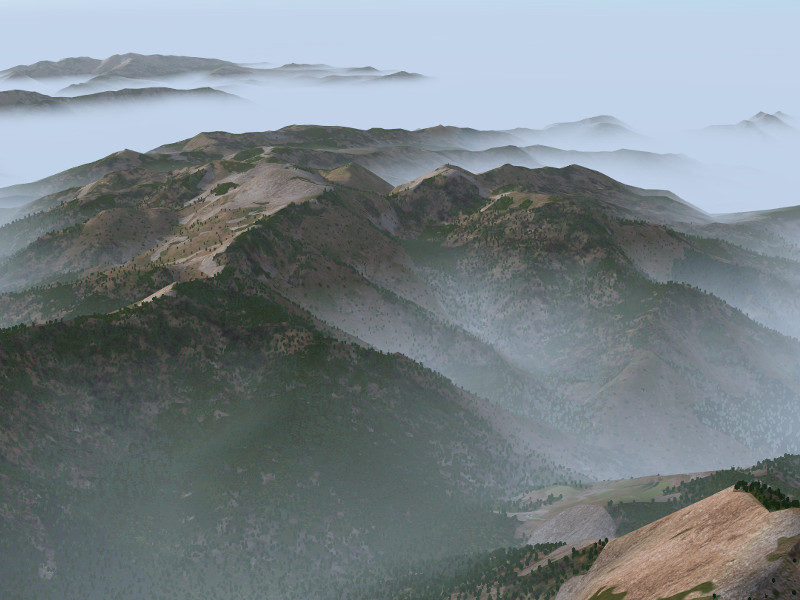
Corsica, France seen from above in morning fog (utilizing Mediterranean texture scheme) :

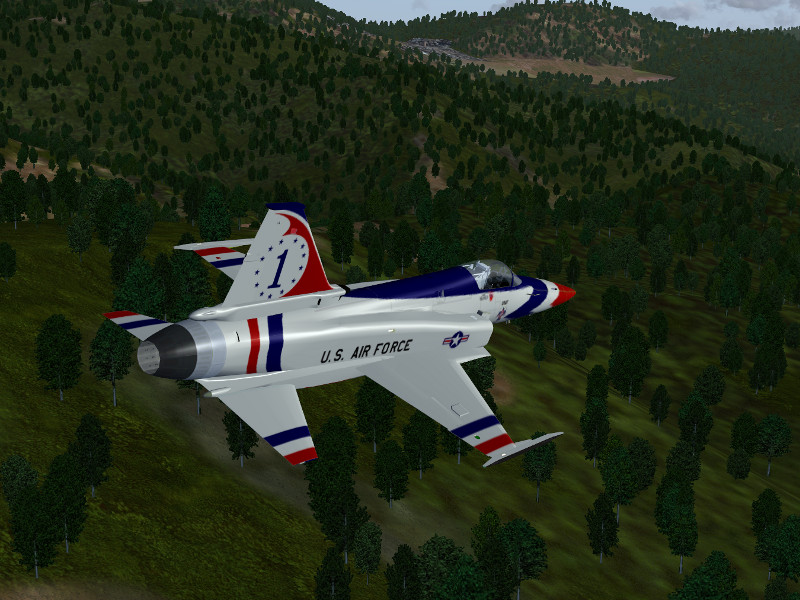
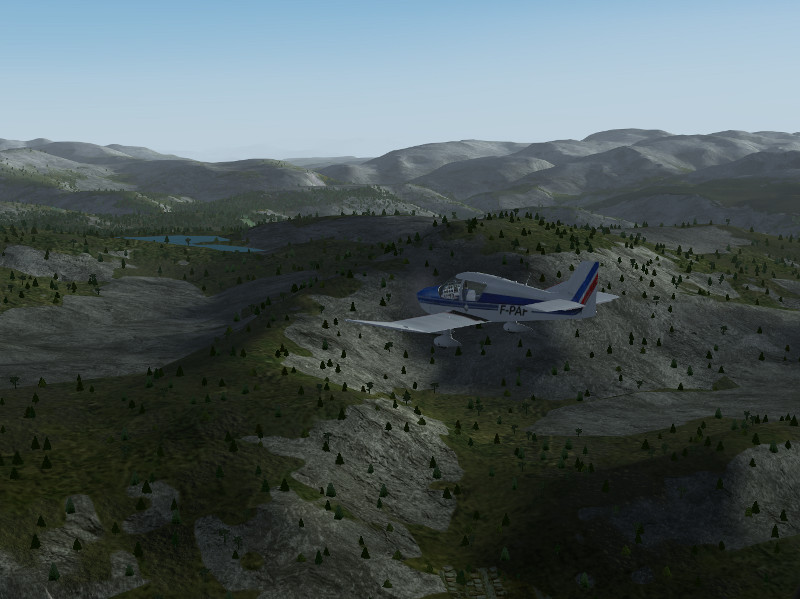
Details of Corsica, France in low-level flight with the F-20:

Fjell lands in Norway (using Scandinavian texture scheme):

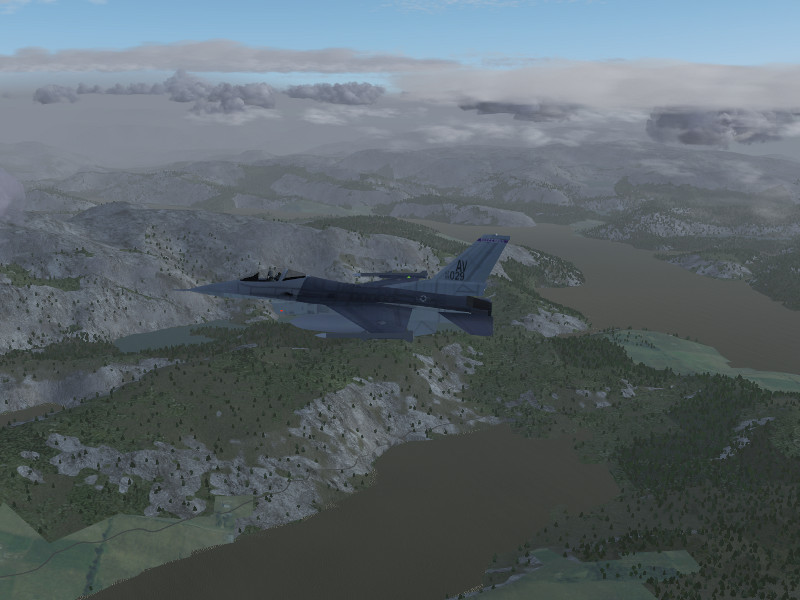
Norwegian fjordlands:

Ouside Europe

In the absence of CORINE data, improvements in the landcover rendering are not as dramatic, which leaves flat terrain largely comparable to the previous version of the scenery. However, mountainous regions benefit enormously from the improved elevation mesh resolution. The rendering of light and shade, transition shader effects and snow effects all key on elevation gradients and allow in essence to render the terrain with much more visual detail despite the lack of detailed landcover.

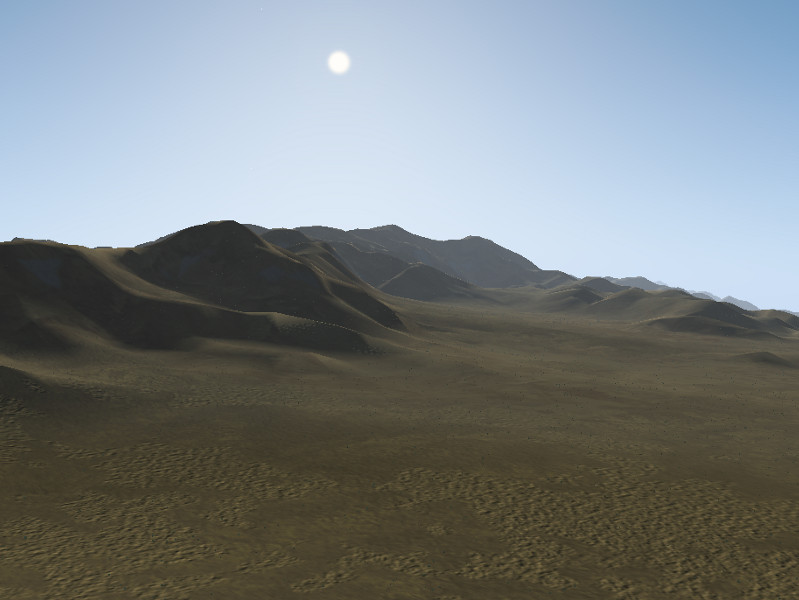
Desert hill chain near Tabas, Iran, seen from the ground (using Middle-East texture scheme and dust shader effect):

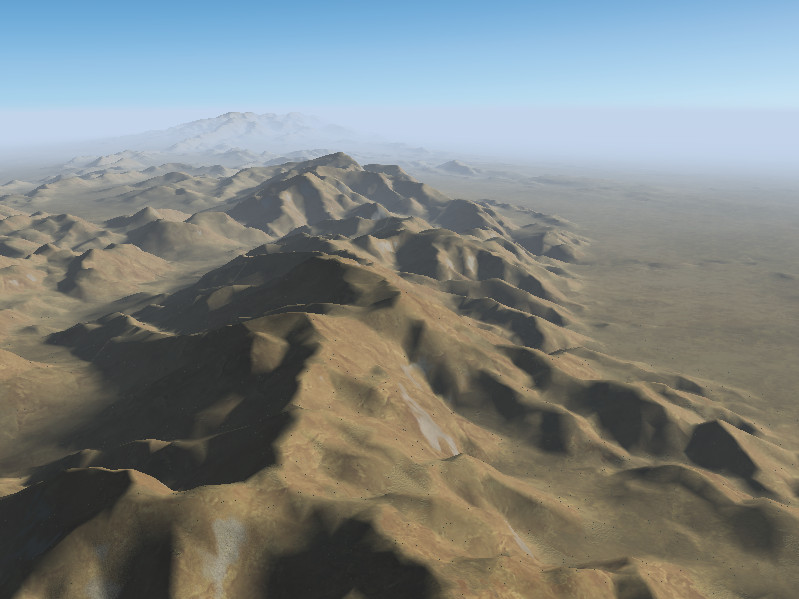
As above, seen from the air:

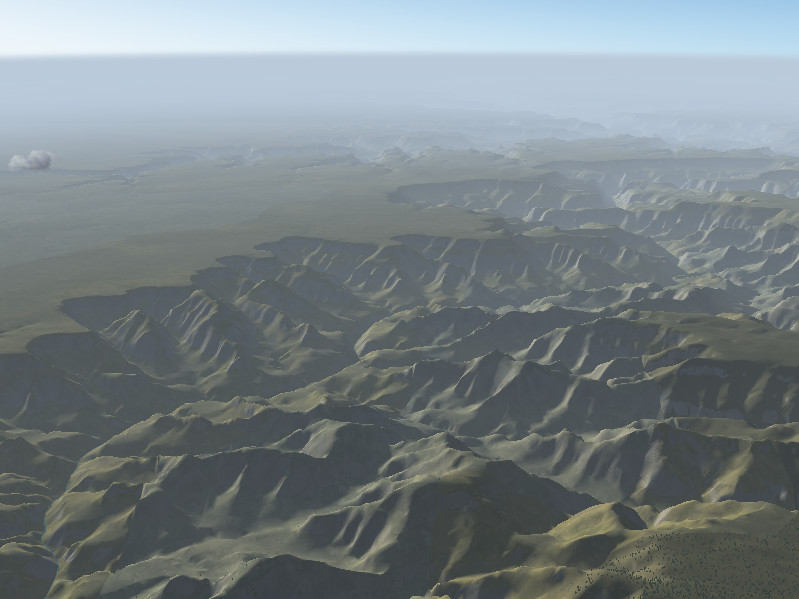
The Grand Canyon, USA (using dust shader effect):

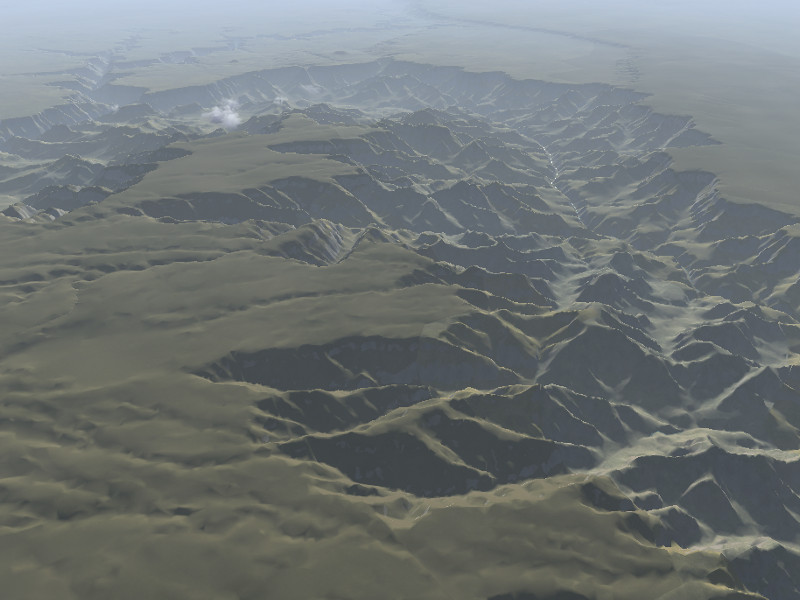
View of the Grand Canyon, USA from high altitude:

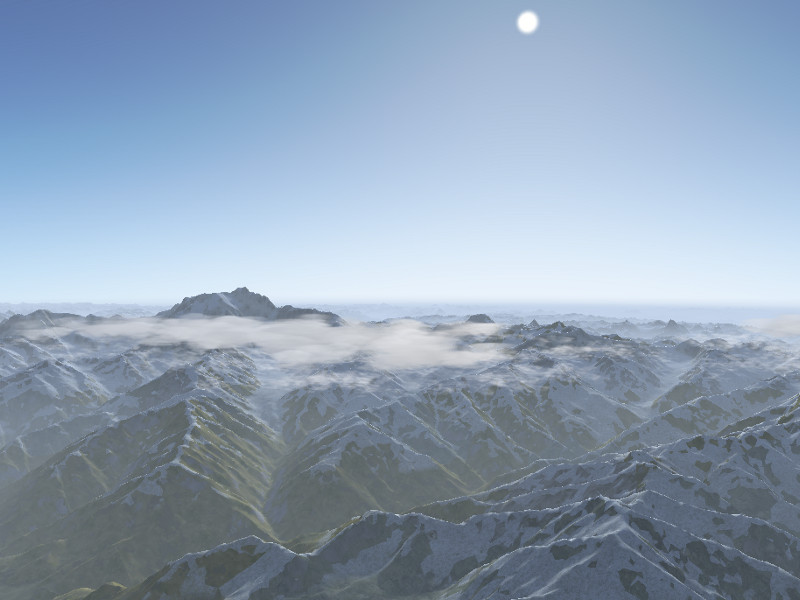
Nanga Parbat, Himalaya, Pakistan seen across the Indus valley:

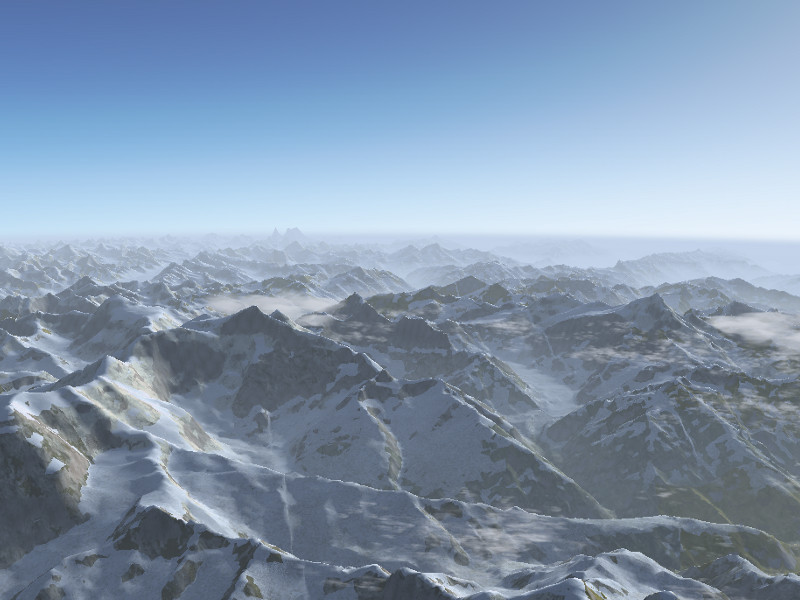
Himalaya north of Nanga Parbat:

Thanks

Special thanks to the people involved:

John Holden
Olivier Jacq
Vic Marriott
Julien Nguyen
Gijs de Rooy
Christian Schmitt
Martin Spott
James Turner
Markus Metz
Pete Sadrozinski