Google Assistant and Google Home: Amazon Echo, but from Google

Google now has a conversational assistant, and a living room box to talk to.

(credit: Google Home)

At its I/O developer conference today, Google unveiled Google Home, a hardware device shipping later this year, and Google Assistant, a conversational digital personal assistant. With this pair of announcements, the company is going head-to-head with Apple's Siri, Microsoft's Cortana, and most significantly, Amazon's Echo and its Alexis voice agent.

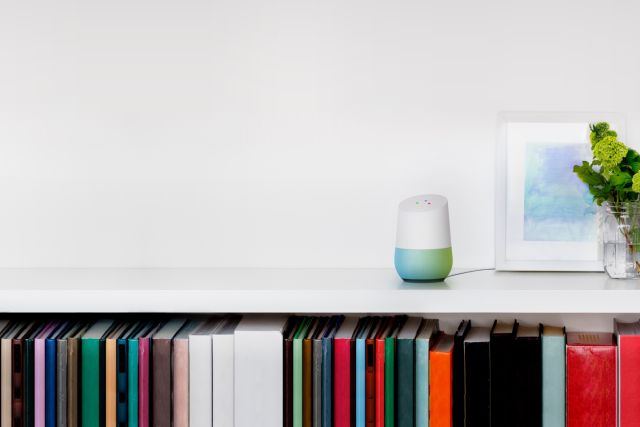
The Home is a small round gadget with microphones and speakers that's always listening for your questions and commands. It will plumb into home automation, including Google's own Nest, and it will broadcast video and audio to Chromecast sticks; this is all driven by an always-listening voice interface.

Google's conversational assistant is in the same vein as Cortana and Siri, Google Assistant. Google Assistant will be on phones and wearables too, and Google says that it will be better at picking out the context of what you're doing than any of the competitors. As an example, when standing near Cloud Gate, better known as The Bean, in Chicago, you can ask Google Assistant "Who designed this?" Based on your location alone, Assistant will understand that you're probably referring to the large shiny sculpture in front of you, and answer "Anish Kapoor."

Read 3 remaining paragraphs | Comments

One billion hours on, and HGST still rules the roost for hard disk reliability

Even five-year-old disks are still going strong.

(credit: Alpha six)

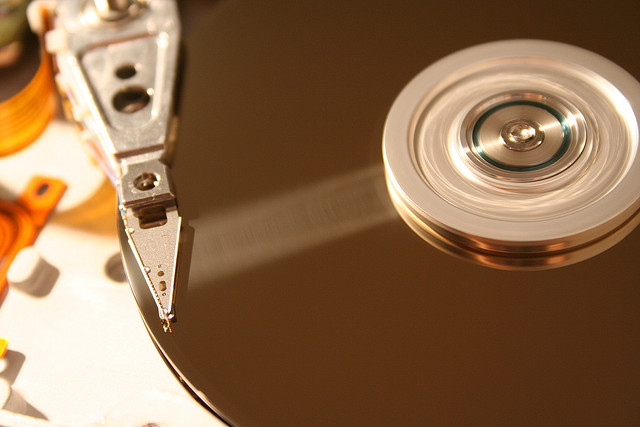
Cloud backup provider Backblaze has published the latest data it has accumulated about the reliability of the hard drives it uses. In the first quarter of the year, the company passed more than a billion hours of aggregate drive usage since it started tracking reliability in April 2013.

HGST's drives have long stood out as the most reliable, and that trend continues. Their failure rate is remarkably low; even after three years in service, the 3TB and 4TB units have annualized failure rates of just 0.81 percent and 1.03 percent, respectively. 2TB units, which last quarter were already on average more than 5 years old, have seen a small increase in failure rate—1.57 percent, compared to 1.15 percent a year ago—but still show extraordinary reliability considering their age.

After some bad experiences with certain models, and annualized failure rates in some cases approaching 30 percent, Seagate's performance is also solid. Backblaze's most common disk type is a 4TB Seagate unit, with nearly 35,000 of the drives in use, and those are demonstrating at a failure rate of 2.90 percent.

Read 2 remaining paragraphs | Comments

Windows 7 now has a Service Pack 2 (but don’t call it that)

Single package combines five years of updates into a single patch.

This should become a thing of the past. (credit: Microsoft)

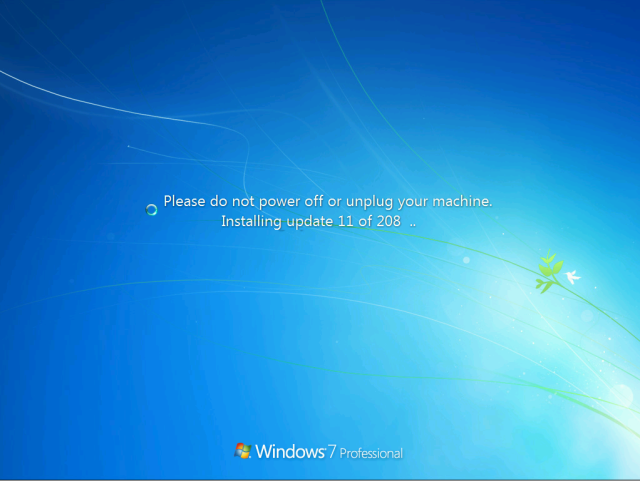
Anyone who's installed Windows 7 any time in the last, oh, five years or so probably didn't enjoy the experience very much. Service Pack 1 for the operating system was released in 2011, meaning that a fresh install has five years of individual patches to download and install. Typically, this means multiple trips to Windows Update and multiple reboots in order to get the system fully up-to-date, and it is a process that is at best tedious, typically leading one to wonder why, at the very least, it cannot pull down all the updates at once and apply them with just a single reboot.

The answer to that particular question will, unfortunately, remain a mystery, but Microsoft did today announce a change that will greatly reduce the pain of this process. The company has published a "convenience rollup" for Windows 7 Service Pack 1 (and Windows Server 2008 R2), which in a single package contains all the updates, both security and non-security, released since the Service Pack, up through April 2016. Installing the rollup will perform five years of patching in one shot.

In other words, it performs a very similar role to what Windows 7 Service Pack 2 would have done, if only Windows 7 Service Pack 2 were to exist. It's not quite the same as a Service Pack—it still requires Service Pack 1 to be installed, and the system will still report that it is running Service Pack 1—but for most intents and purposes, that won't matter. Microsoft will also support injecting this rollup into Windows 7 Service Pack 1 system images and install media.

Read 5 remaining paragraphs | Comments

HTML5 by default: Google’s plan to make Chrome’s Flash click-to-play

Top 10 sites will be whitelisted, everything else will default to HTML5.

Google will be taking another step towards an HTML5-only Web later this year, as the systematic deprecation and removal of Flash continues.

In a plan outlined last week, Flash will be disabled by default in the fourth quarter of this year. Embedded Flash content will not run, and JavaScript attempts to detect the plugin will not find it. Whenever Chrome detects that a site is trying to use the plugin, it will ask the user if they want to enable it or not. It will also trap attempts to redirect users to Adobe's Flash download page and similarly offer to enable the plugin.

There will be a few exceptions to this policy, with Google planning to leave Flash enabled by default on the top 10 domains that depend on the plugin. This list includes YouTube, Facebook, Twitch, and Amazon. Even this reprieve is temporary. The plan is to remove sites from the list whenever possible—Twitch, for example, is switching to HTML5 streaming, so should start to phase out its use of Flash—and after one year the whitelist will be removed entirely. This means that after the fourth quarter 2017, Flash will need to be explicitly enabled on every site that tries to use it.

Read 2 remaining paragraphs | Comments

$1B Bangladesh hackers implicated in attack on Vietnamese bank, Sony hack

The same code appears to have been used to attack Sony and banks in Vietnam, Bangladesh.

The attempted billion dollar attack on the Bangladesh Central Bank was not an isolated incident, according to a report today from the SWIFT payment network. Some of the malware used in the Bangladesh heist has been found in another attack on a bank. SWIFT didn't name the other bank, but BAE Systems, which has been investigating the Bangladesh attack, has said that a Vietnamese commercial bank has been hit by closely related malware in a report of its own.

In February, unknown hackers broke into the Bangladesh Bank and nearly got away with a sum just shy of $1 billion. In that event, their fraudulent transactions were cancelled when a typo raised concerns about one of the transactions. The thieves still succeeded in transferring $81 million, and that money is still unrecovered. In April, we learned that preliminary investigations had revealed the use of cheap networking and a lack of firewalls, both contributing to the attack. The SWIFT organization is owned by 3,000 financial companies and operates a network for sending financial transactions between financial institutions. The SWIFT network was used to move the stolen money.

According to BAE, the malware used in both hacks has a range of similarities, including the names of the malicious executables, the internal structure of the code, and in particular a distinctive block of code used to securely wipe files and cover up the evidence of the attack.

BAE has found a surprising third use of the same deletion routines and other code features—these tactics were deployed in some of the malware used in the 2014 Sony attack that saw vast quantities of data from Sony Pictures published online. The FBI asserted that the Sony hack was the work of North Korea. Publicly, a group calling itself the Guardians of Peace claimed responsibility, saying the hack was retaliation for the Sony produced film The Interview, which depicted the assassination of North Korean dictator Kim Jong-un.

The data deletion routines used in the Sony attacks were themselves used to tie that hack to 2013 attacks made on South Korean banks and media outlets.

BAE notes that attribution is not an exact science. While the re-use of existing code suggests that the same group—even the same developer—is responsible for creating the malware, it's possible the attackers deliberately crafted their malware to merely give the appearance of being related.

SWIFT's report also described some new features of the Vietnamese attack. In Bangladesh, the malware took considerable effort to cover up its tracks and hide the bogus transactions, modifying databases and deleting incriminating data. This cover-up indicated extensive knowledge of the software and systems used to transfer money, and that same extensive knowledge appears to be present in the Vietnamese case. Staff in Vietnam used PDF reports to inspect payment confirmations. The attackers produced a trojaned version of the PDF reader that looks like the regular software, but it instead detects when the fraudulent transactions are being examined and shows bank staff different data to hide the fraud.
Bing bans tech support ads—because they’re mostly scams

The ban is intended to improve user safety.

There's a thriving industry of tech support scammers that take advantage of unsuspecting Windows (and occasionally OS X) users, persuading them that their systems are broken or misbehaving in some way and then charging them extortionate fees to "repair" their machines, or worse, installing malware directly. Many of them cold call their victims, but others advertise in online search engines, buying up ads with tech support keywords and acquiring their victims this way.

That's no longer going to be possible on Microsoft's Bing search engine. Any and all third-party tech support services are now prohibited from advertising on Bing because of the abundance of illegitimate offerings.

This comes a few days after Google announced that it was taking further measures to protect consumers from exploitative advertisers. From July 13, Google will no longer accept ads from payday loan companies. Facebook similarly prohibits payday loan advertising on its site. The advertising gatekeepers appear to be taking a rather more proscriptive, protective stance to try to make advertising a little less harmful.

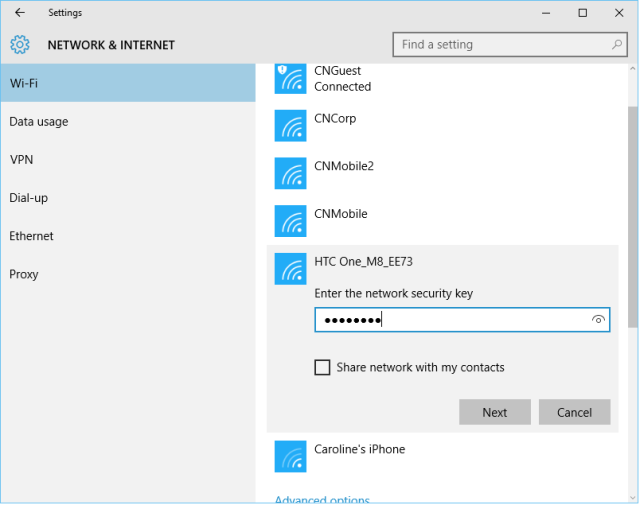
Windows 10’s Wi-Fi credential sharing is going away in the Anniversary Update

Edge extension support takes a big leap forward, too.

Last night, a new Windows 10 Insider Preview unexpectedly made its way onto the Internet after Microsoft accidentally started releasing it to end users while sending it to Windows Update.

The new build, 14342, takes some big steps forward in Edge's extension support. Previously, extensions in the Edge browser had to be manually downloaded and installed. Now they are installed and updated in the same way as Universal Windows Apps. The number of extensions available for Edge has also grown, with a couple of ad blockers now joining the fray.

With this build, Microsoft is starting to bring back some of the more tablet-oriented features that were in Windows 8 but removed from Windows 10. Swipe navigation in the browser is now back, allowing you to navigate back and forward just by swiping the page left and right. The next Mobile build will also include this capability.

Read 4 remaining paragraphs | Comments

Samsung Galaxy TabPro S review: A taste of a future I’m not ready for

OLED looks incredible, but no one wants constant reminders that their screen is breaking.

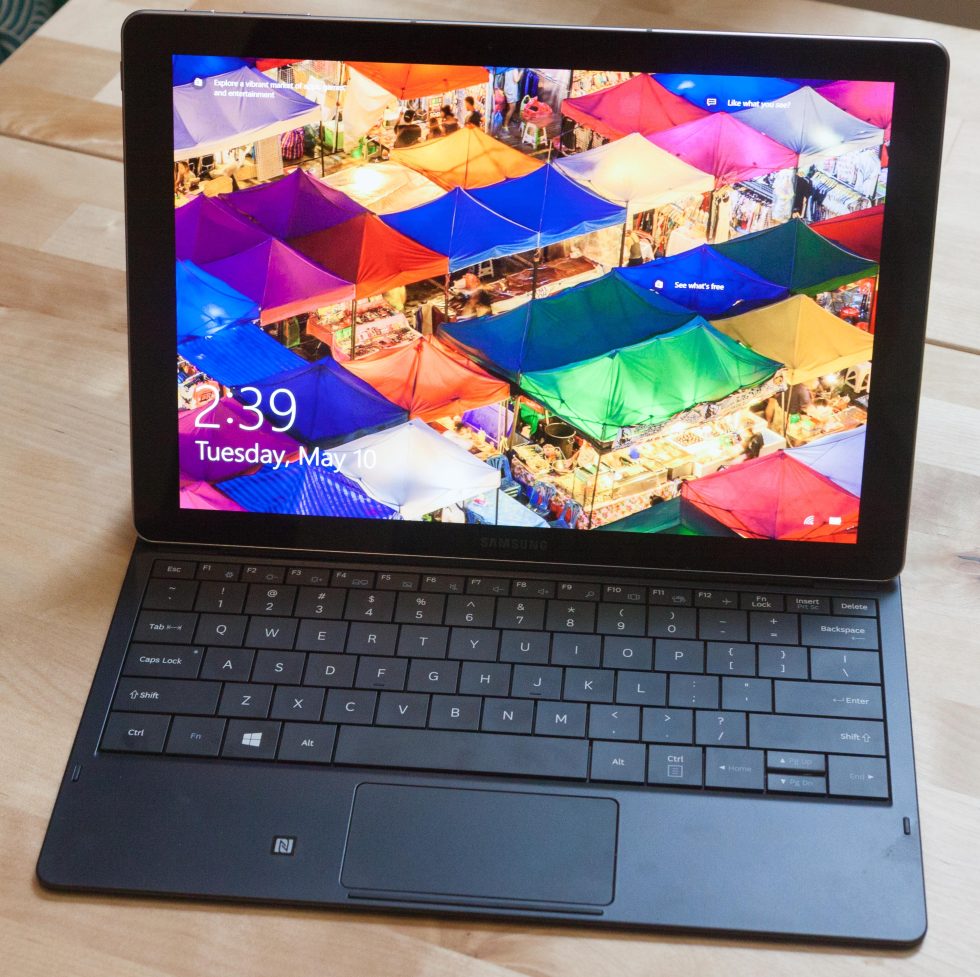
The screen is actually too bright and too colorful to really capture. (credit: Peter Bright)

Honestly, I thought I fell into some kind of a wormhole and traveled back in time. While recently using Samsung's definitely new Galaxy TabPro S—the company's take on the Surface concept of a tablet with a keyboard cover accessory—I lost myself in a specific moment. Suddenly, I couldn't tell if it was 2016 or 1996.

Some context: Windows 95 OEM Service Release 2 was released on August 24, 1996. It updated various parts of Windows 95, including Internet Explorer 3, FAT32 filesystem support, Firewire support, and DirectX 2.0a. The release also introduced support for OpenGL 3D graphics. To showcase this new capability, Microsoft offered a handful of 3D screensavers.

In those days, screensavers were an important part of the computing landscape. We all used them because we had to: burn-in was a serious problem for the then-ubiquitous cathode ray tubes (CRTs). The phosphor compounds used in CRTs lose their luminance over time. Extended displays of static images on the screen cause uneven wear of the phosphors, and this degradation can result in faint "ghost images" of degraded phosphors being permanently burned into the screen.

Read 33 remaining paragraphs | Comments

$1B Bangladesh heist: Officials say SWIFT technicians left bank vulnerable

Bank officials say it wasn’t their fault that sensitive systems were exposed to hackers.

(credit: Garrett Ewald)

Technicians from the global payment network SWIFT left Bangladesh's Central Bank vulnerable to an attack that saw attackers steal $81 million, according to Bangladeshi police and bank officials speaking to Reuters.

In February, unknown hackers broke into the Bangladesh Bank and almost got away with just shy of $1 billion. In the event, their fraudulent transactions were cancelled after they managed to transfer $81 million when a typo raised concerns about one of the transactions. That money is still unrecovered. In April, we learned that preliminary investigations had revealed the use of cheap networking and a lack of firewalls, both contributing to the attack.

The new report sheds further light on the incident. The SWIFT organization is owned by 3,000 financial companies and operates a network for sending financial transactions between financial institutions. Technicians from the organization worked at the central bank last year when they were connecting the Bangladesh's real-time gross settlement (RTGS) system to the SWIFT network. Mohammad Shah Alam, leading the probe for the Bangladesh police, told Reuters that the technicians doing this work left "a lot of loopholes" that were not subsequently addressed.

Read 4 remaining paragraphs | Comments

Microsoft starts tackling game developer complaints in Universal Windows apps

Gamers now have better control over performance and picture quality trade-offs.

Forza Motorsport 6: Apex is one of the first big-name UWP games. (credit: Microsoft/Turn 10)

Microsoft has been pushing developers to build applications for the Windows Store and the Universal Windows Platform and has come under fire from both gamers and game developers for some of the restrictions that the platforms impose. In particular, UWP games have been unable to disable v-sync and are not able to use either Nvidia's G-sync or AMD's Freesync technology.

Later today, Microsoft will be publishing an update to Windows 10 that removes this constraint and gives the UWP games the ability to update at whichever refresh rate they choose.

Until now, UWP has required that games enable v-sync, tying their frame rates to the screen's refresh rate. V-sync can reduce the presence of certain visual artifacts—it prevents a phenomenon called tearing, wherein the top half of the screen shows one frame and the bottom half of the screen shows a different, newer frame—but it also limits the frame rate that applications can run at. G-sync and Freesync are two technologies that allow monitors to vary their refresh rates dynamically so that the monitor can keep pace with the game's frame rate, even when the game's frame rate is very high (typically up to about 144fps) or very low (down to around 30fps). With these systems, one can have the benefits of enabling v-sync—no tearing—without the restrictions on frame rate that the feature normally implies.

Read 1 remaining paragraphs | Comments