WatchOS 3 might actually fix most of my problems with the Apple Watch

This update ought to make the Apple Watch work like it was always supposed to.

I make it a point not to install early betas of software on hardware that I use every day, but of all the software Apple announced at WWDC on Monday, the one that's tempting me the most is WatchOS 3. As many new things as iOS 10 and macOS Sierra both include, the next version of WatchOS is easily the biggest and most obvious improvement over the current one, and now that I've actually seen it in action on real hardware, it’s going to be hard to wait for.

A couple of months ago, I wrote about my first year with the Apple Watch. I've come to enjoy wearing the device even though I remain firmly convinced that most people don't really need one. The things I complained the most about were performance (in general) and consistency (in general). And some of the complaints I had in the original review, namely about the steep learning curve for new users and poor usage of the watch's physical buttons, still stood in WatchOS 2.0.

Let's start with the stuff that Apple has actually gotten rid of: Pressing the side button no longer brings up a Friends view, and swiping up from the bottom no longer brings up Glances. Glances were a decent idea in theory—fast access to snippets of information—but in practice they were hampered both by the watch’s speed and the way that its apps worked. The pauses while your watch and your phone communicated with each other to refresh the Glances made them frustrating and inconsistent, and it turns out that there's not really a need for a simpler, quicker version of a WatchOS app. WatchOS apps are already simple, so why make developers do the extra work?

Read 6 remaining paragraphs | Comments
RAW shooting, a harsher Gatekeeper, and more obscure macOS and iOS 10 changes

We went digging for the features that nerds will care the most about.

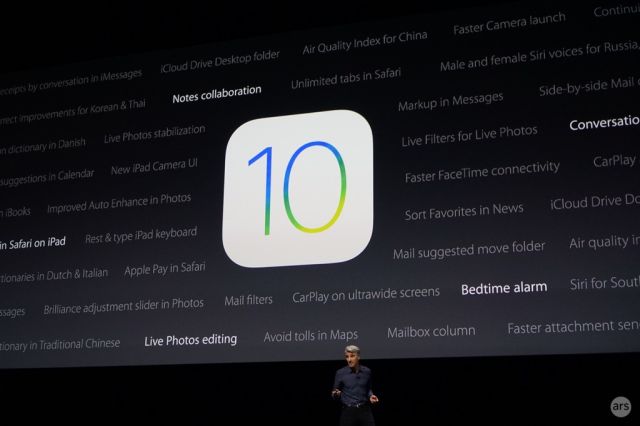
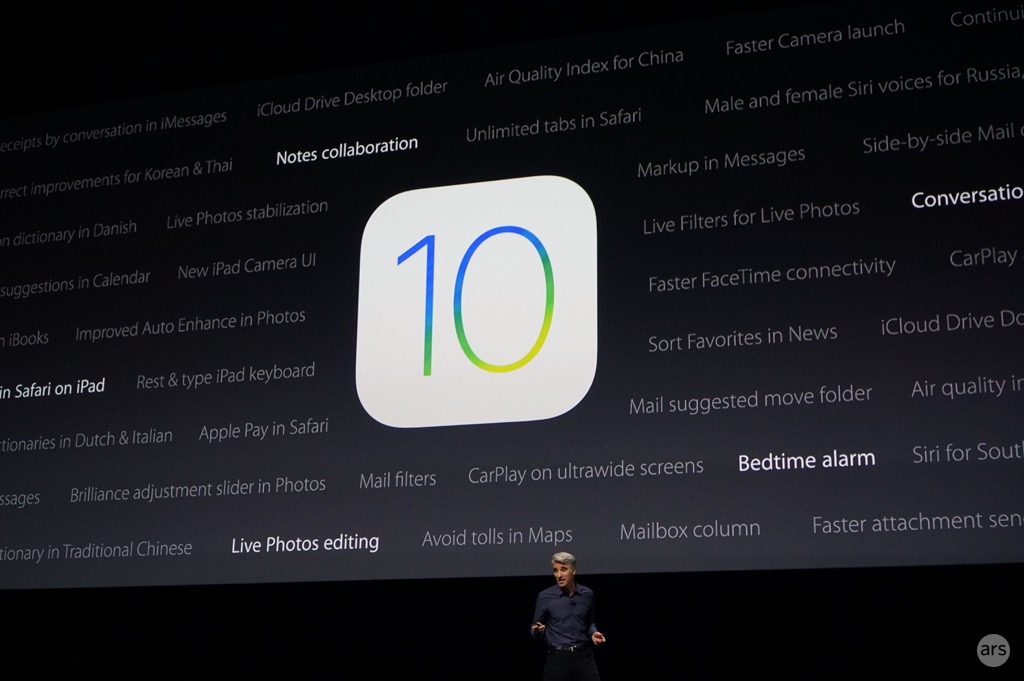
Enlarge / The onstage presentations don't encompass every new feature in iOS 10 and macOS Sierra. (credit: Andrew Cunningham)

When Apple announced iOS 10 and macOS Sierra at its WWDC keynote yesterday, it hit most of the high notes. Big user-facing features like the Siri API on iOS and Siri on the Mac, the revamped Messages app, Universal Clipboard, and tweaks to Photos and Apple Music got stage time, but as the company said, there was more stuff that didn’t get any attention.

Our previews and reviews of the beta and final versions of the OSes will cover all of those features and lots of the smaller, less notable tweaks to Apple’s built-in apps, but after a few hours of digging through the developer documentation we’ve also unearthed a few neat under-the-hood tweaks in both Sierra and iOS 10.

iCloud syncing without the Mac App Store

Can someone check the Mac App Store’s pulse? I’m worried about it.

Read 16 remaining paragraphs | Comments
The abilities and limitations of SiriKit, Siri’s olive branch to other apps

Apple doesn’t give developers new toys without imposing plenty of conditions.

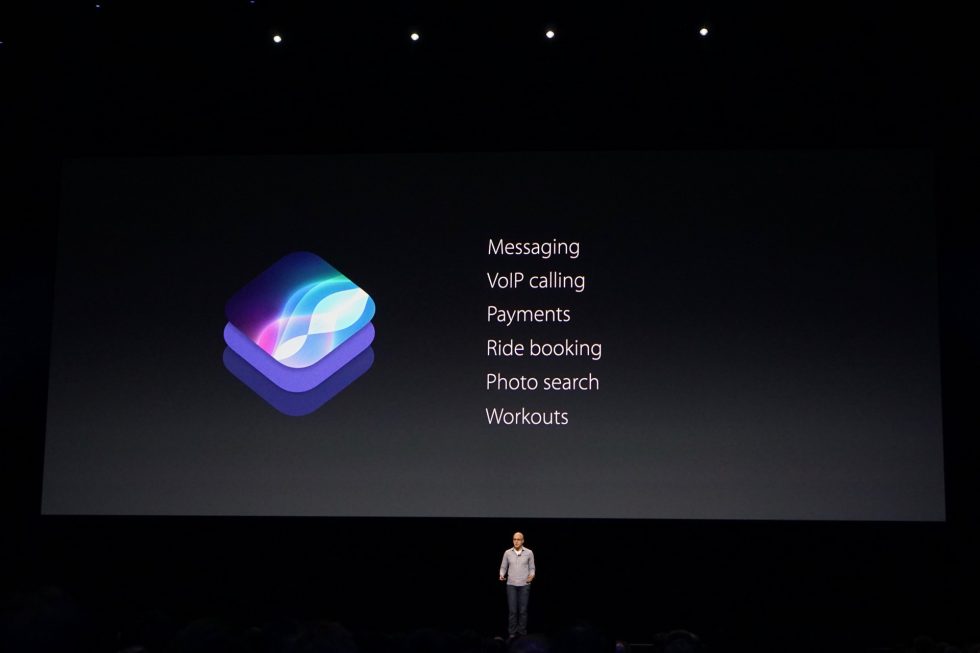
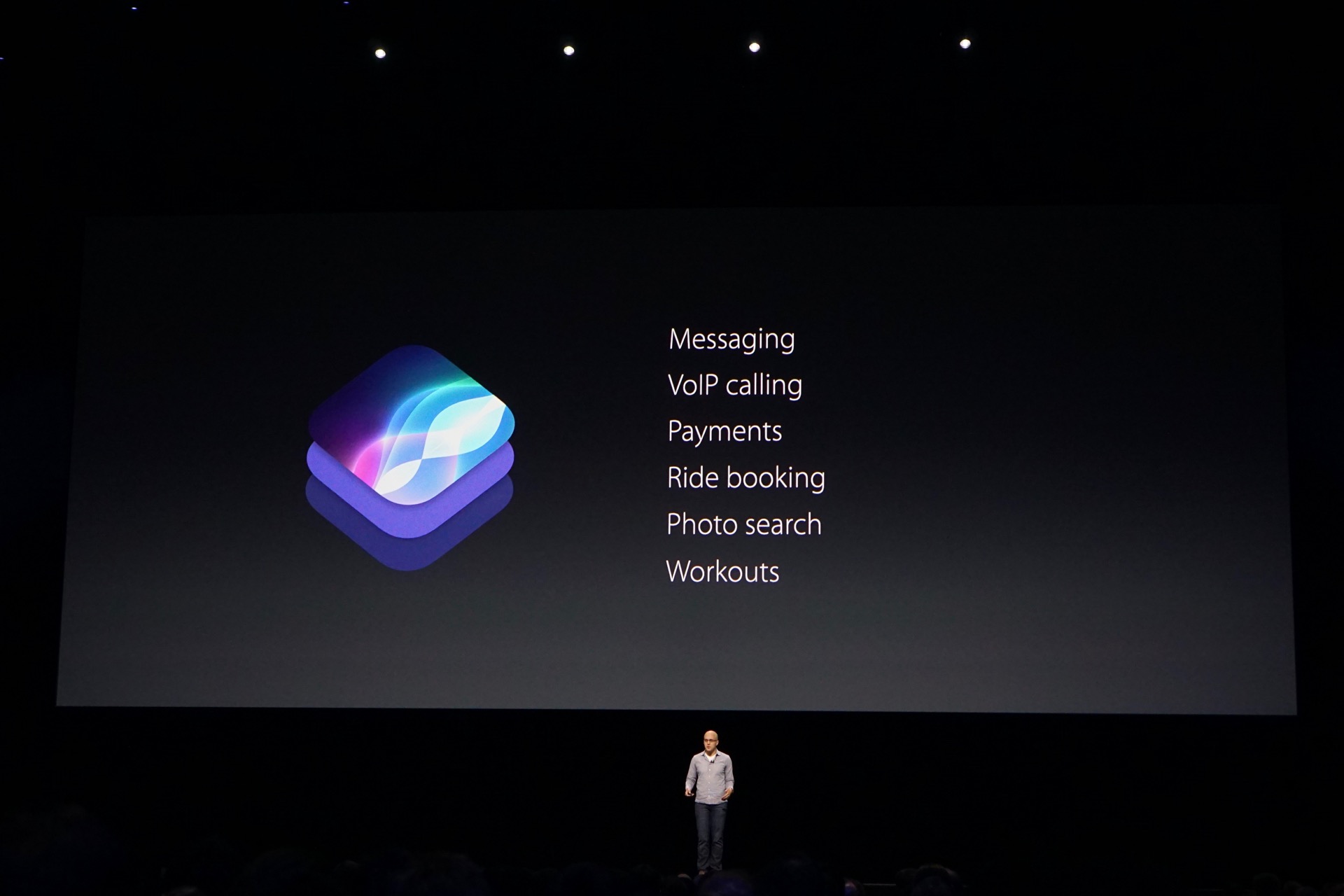
Enlarge / The types of apps that can take advantage of the newly opened Siri. (credit: Andrew Cunningham)

Siri is opening up. Kind of.

Apple's "intelligent personal assistant" came before Google Now and Cortana and Alexa, but all of those assistants have caught up to and lapped Siri in one important way: they let third-party applications and services use them to do stuff. As it stands today, Siri can be used to launch third-party apps, but it isn't able to do anything else.

That will change in iOS 10, which is extending Siri to third-party developers via "SiriKit." Developers can't quite do everything that Apple can do—even when letting developers in, Apple still holds them at arm's length with clearly defined extension points and rules—but the company is making it possible to do more stuff without actually launching an app and digging around. Based on the developer documentation that Apple has published so far, here are the kinds of things that third-party apps are going to be able to do with Siri in iOS 10 and what developers have to do behind the scenes to make it work.

Read 12 remaining paragraphs | Comments

iOS 10 will let you delete most of Apple’s default apps

If you don’t use it, you can usually get rid of it.

Enlarge / See you all in hell. (credit: Andrew Cunningham)

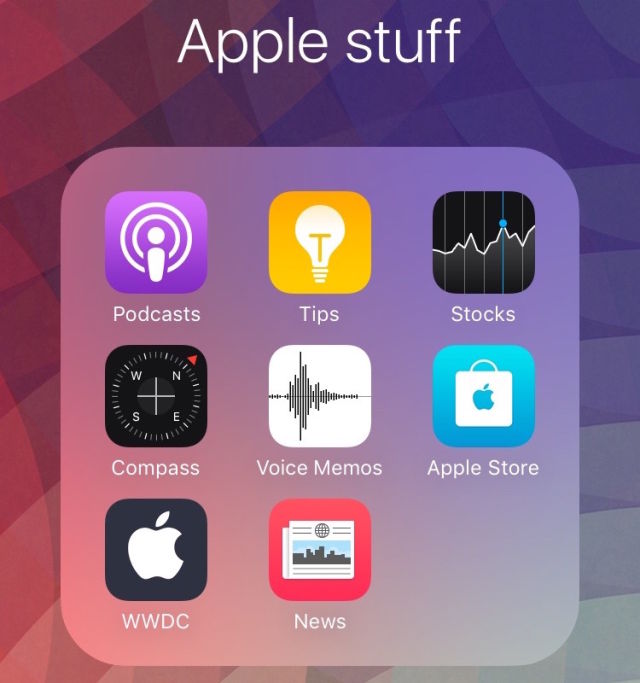
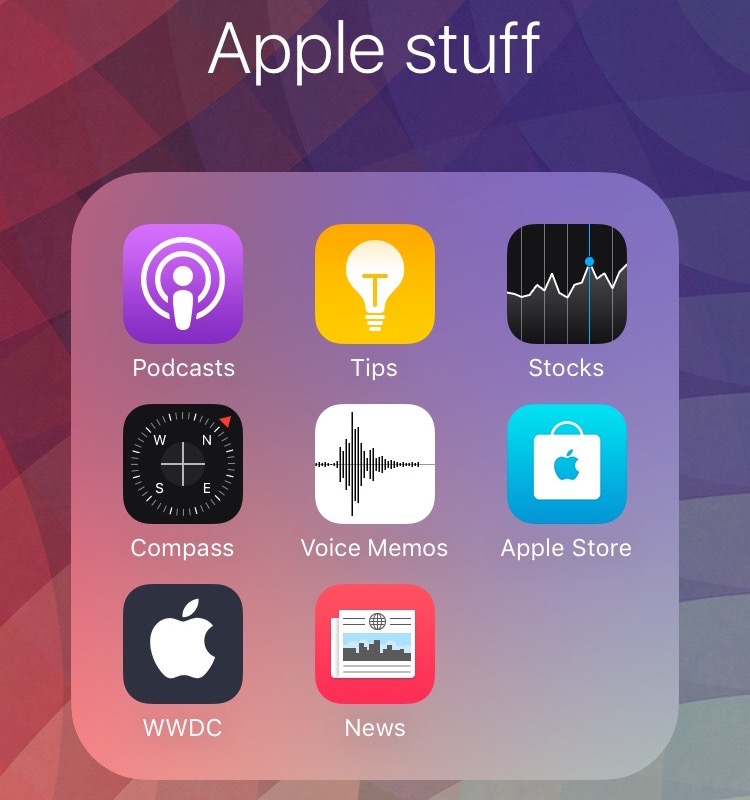
Do you have a folder full of first-party, preinstalled iOS apps that you don’t use? Sure, we all do. We’ve all learned to live with this folder over the years, even as more and more of these icons have slowly crept onto our phones.

Well, no longer—in iOS 10, many (though not quite all) of the built-in system apps can be deleted just like any other app. The complete list of apps that can be removed, per the Apple Support document:

  • Calculator
  • Calendar
  • Compass
  • Contacts
  • FaceTime
  • Find My Friends
  • Home
  • iBooks
  • iCloud Drive
  • iTunes Store
  • Mail
  • Maps
  • Music
  • News
  • Notes
  • Podcasts
  • Reminders
  • Stocks
  • Tips
  • Videos
  • Voice Memos
  • Watch app
  • Weather

Apple warns that deleting apps may affect “related system functions” and “data on your Apple Watch,” and it says that all of the apps together consume around 150MB of space.

Read 1 remaining paragraphs | Comments

Goodbye, A5: iOS 10 ends support for iPhone 4S, iPad 2, and more

Support list now requires iThings made in 2012 or later.

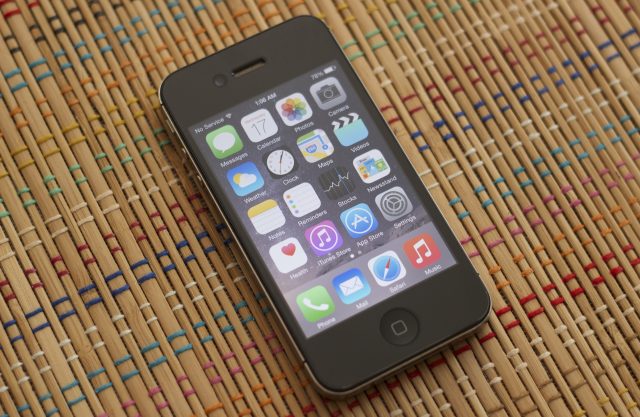
Enlarge / RIP iPhone 4S, we knew ye all-too-well. (credit: Andrew Cunningham)

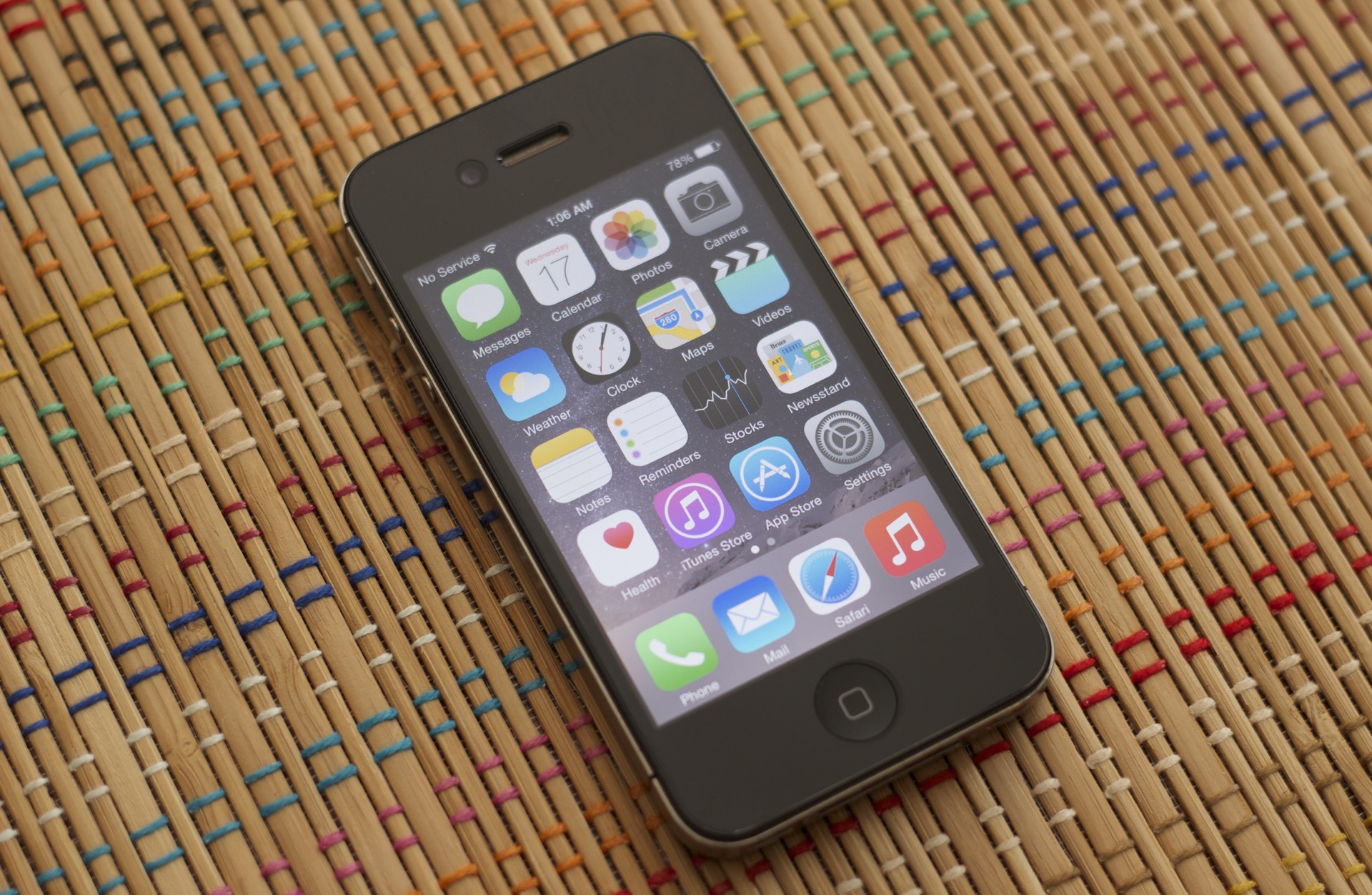
SAN FRANCISCO—Apple has just announced the hardware support list for iOS 10, the next version of its smartphone and tablet OS that will be released in beta form soon and in final form later this year. After a surprising stay of execution last year, it looks like Apple is set to stop providing updates for a fair handful of older devices: the iPhone 4S, the iPad 2, the original iPad Mini, the 3rd-generation iPad, and the fifth-generation iPod Touch.

Here's the full list of supported hardware:

  • iPhone 5, 5C, 5S, 6, 6 Plus, 6S, 6S Plus, and SE.
  • iPad 4, iPad Air, and iPad Air 2.
  • Both iPad Pros.
  • iPad Mini 2 and newer.
  • Sixth-generation iPod Touch.

All the dropped devices have something in common: some version of the Apple A5 SoC. The A5 has been actively supported for longer than any of Apple's other chips to date; it was originally included in the iPad 2 in March of 2011, the last hardware launched by Steve Jobs before he passed away in October of that year. It later made its way into the iPhone 4S, and it was added to the fifth-generation iPod Touch and the iPad Mini in 2012. The first Retina iPad used a faster A5X variant, and the the third-generation Apple TV used a version with a single CPU core (Apple dropped support for that Apple TV box last year).

Read 2 remaining paragraphs | Comments
PSA: macOS Sierra drops support for many Macs from 2007, 2008, and 2009

Macs are getting dropped for the first time since Mountain Lion in 2012.

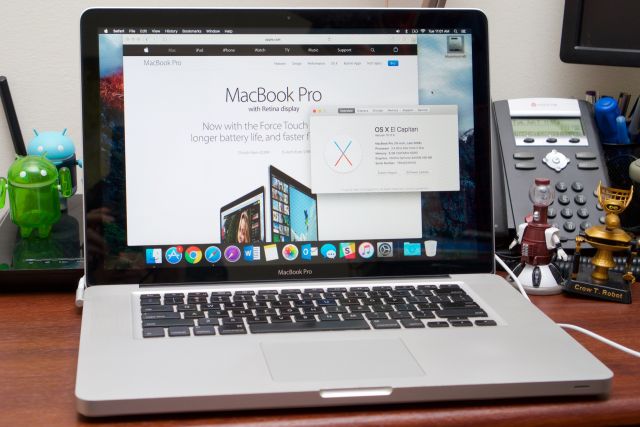
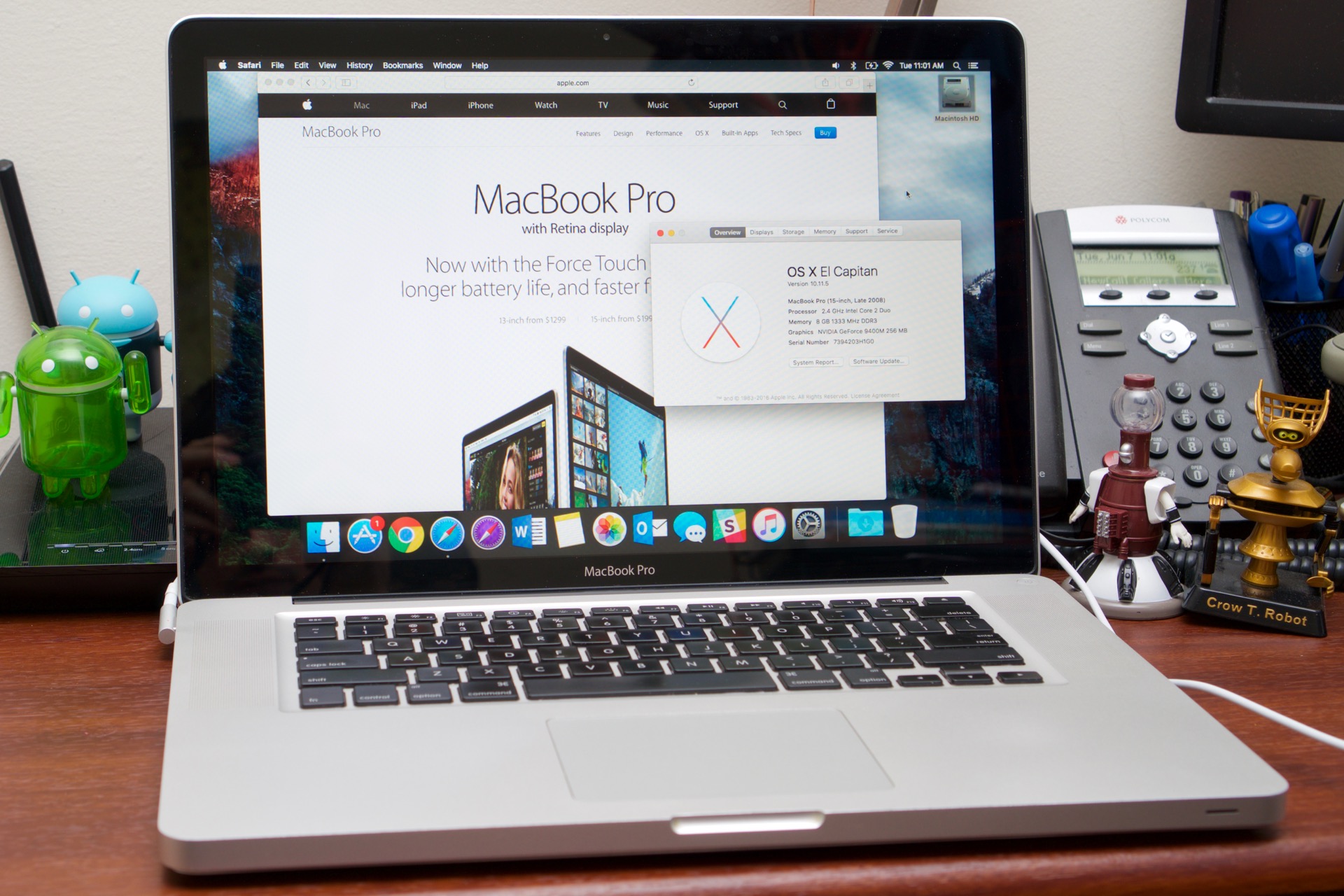
Enlarge / Older Macs like this late 2008 MacBook Pro are getting the axe in Sierra. (credit: Andrew Cunningham)

SAN FRANCISCO, Calif.—For the first time since Mountain Lion was released in 2012, a new Mac operating system release will end support for older hardware. Older Macs, mostly models from 2007, 2008, and 2009, won't run this fall's new macOS Sierra.

To run Sierra, you'll need:

  • MacBook (late 2009 and later)
  • iMac (late 2009 and later)
  • MacBook Air (2010 and later)
  • MacBook Pro (2010 and later)
  • Mac Mini (2010 and later)
  • Mac Pro (2010 and later)

Many of these Macs were already missing out on Yosemite and El Capitan-era features like AirDrop, Continuity, and the Metal graphics API.

Read 2 remaining paragraphs | Comments
Liveblog: Apple’s WWDC 2016 keynote starts Monday at 10am PT/1pm ET

Join us to get a first look at the new versions of OS X, iOS, watchOS, and tvOS.

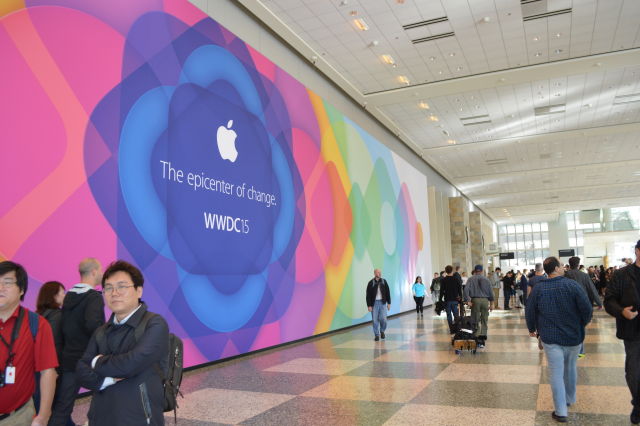
Enlarge / Developers wandering the halls of the Moscone Center during WWDC 2015. (credit: Megan Geuss)

Apple's Worldwide Developers Conference is nearly upon us, and you know what that means: a two-hour keynote extravaganza in which Apple unveils and describes its major software and platform updates. We'll be liveblogging the whole thing as usual, and you can join us on Monday June 13 at 10:00am Pacific (1:00pm Eastern, 6pm UK) to find out more about the replacements for El Capitan, iOS 9, and more.

Current rumors indicate that Siri will be a focus for both iOS and OS X—developers will finally be given access to an API for Apple's assistant, and it will supposedly be available on the Mac for the first time. Apple may also be adding some more Continuity features, which may let you unlock your Mac with your iPhone or add support for Apple Pay on the Mac. And "OS X" may be rebranded as "macOS" to bring it in line with the naming convention Apple established with watchOS and tvOS last year.

Speaking of Apple's watch and set-top box, we know even less about the new versions of watchOS and tvOS than we do about the iOS and OS X updates. Developers may be given more access to the Apple Watch's hardware, building on work started in watchOS 2, and the new version of tvOS will hopefully allow developers to make different and more versatile apps than those currently available on the platform.

Read 2 remaining paragraphs | Comments
Older Android Wear watches will miss out on the 2.0 update

Support will differ among OEMs, but it doesn’t look good for first-gen watches.

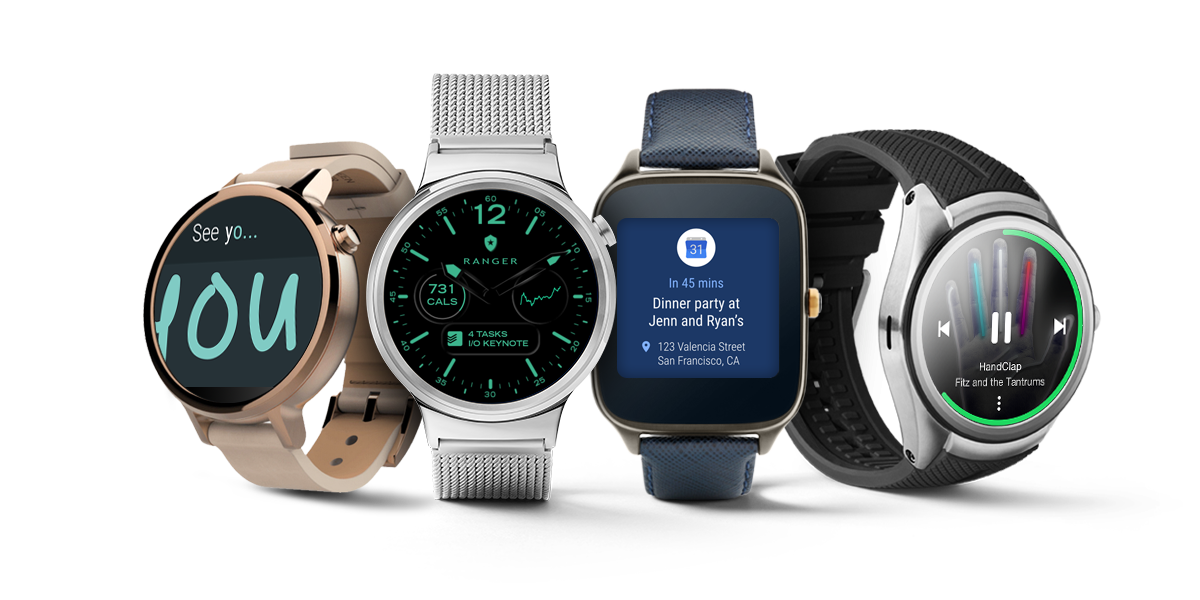
Enlarge / Android Wear 2.0 will be limited mostly to newer watches, if initial reports are any indication. (credit: Google)

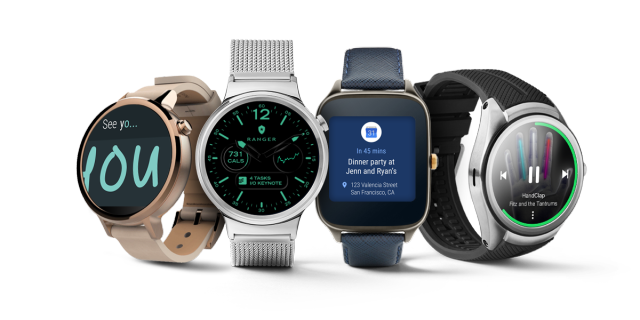
Google hasn't officially made any announcements about what watch hardware will receive the Android Wear 2.0 update when it's released later this year, but it looks like at least a few of the first-generation watches will be missing out. LG says it has no plans to update the original LG G Watch, and now Motorola says it plans to drop support for the original Moto 360. Given Samsung's disinterest in continuing on with new Android Wear hardware, the future doesn't look rosy for the Samsung Gear Live, either. This news comes just two years after Android Wear and many of these watches were originally introduced.

The Moto 360's hardware was always underpowered even when it was brand-new, but the LG G Watch uses the same Qualcomm Snapdragon 400 SoC that many newer Wear watches have included. As is usually the case with Android phones, your OEM's willingness to provide updates for hardware it has already sold you has more to do with whether you get updates than your actual hardware does.

Many Android Wear updates, version 2.0 included, have added features that require new hardware components—support for Wi-Fi, internal speakers, LTE, and more has all been added since these first watches launched, and only more recent watches have included the necessary hardware in the first place. Those watches will continue to work for the foreseeable future, in all likelihood. But all of the other software improvements, including the redesigned interface, security updates, and other tweaks, will be skipping your wrist unless you pay for something new. If that's what you decide to do, make sure the watch's manufacturer has committed to updating its software first.

Read on Ars Technica | Comments

Report: Apple’s next iPhone will use Intel’s LTE modems

According to Bloomberg, the “iPhone 7” is said to use a mix of modems.

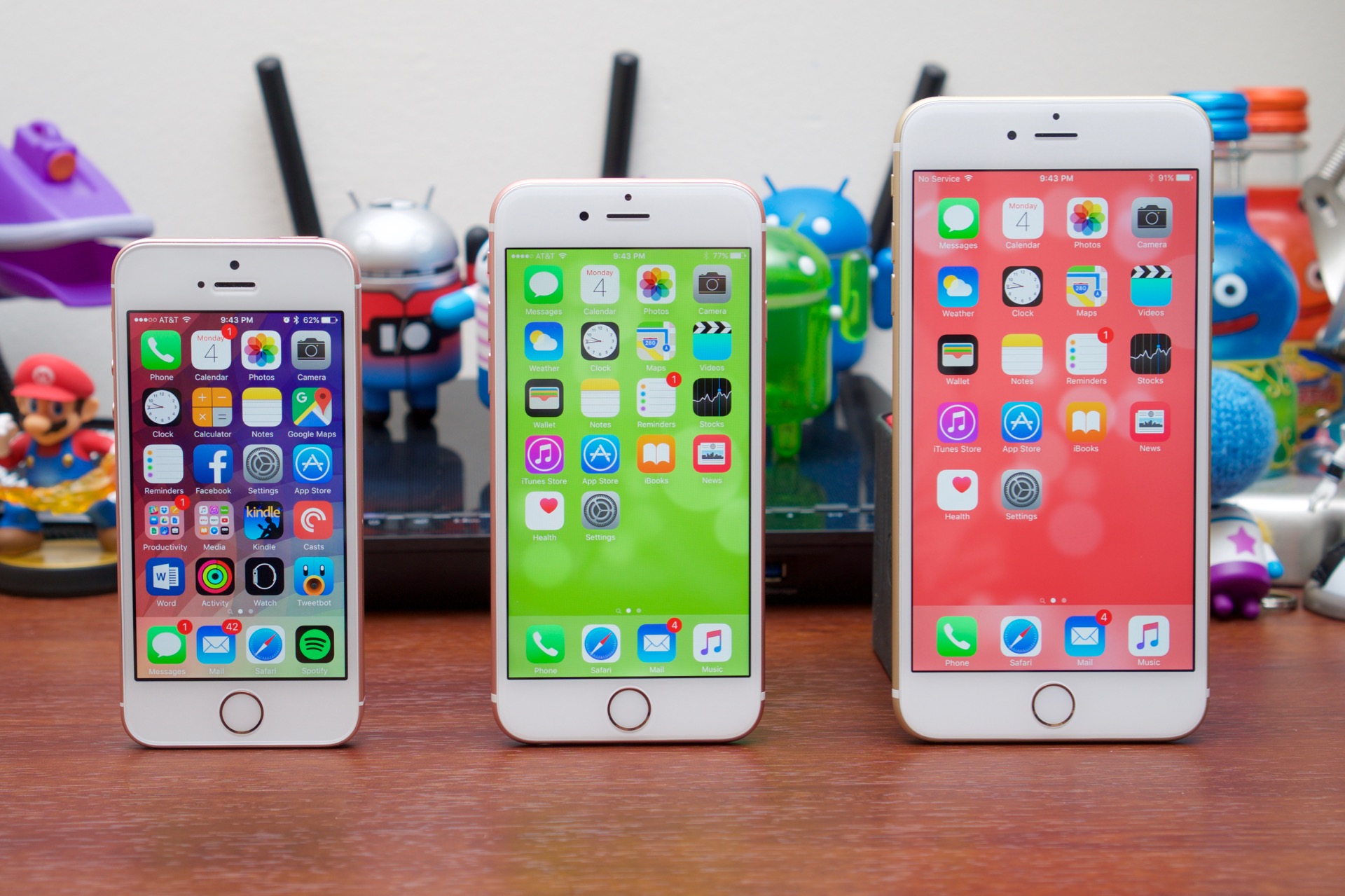
Enlarge / Modern iPhones in three sizes. (credit: Andrew Cunningham)

Unlike Qualcomm, Samsung, MediaTek, and other SoC manufacturers, Apple doesn't integrate an LTE modem into its iPhone SoCs along with the CPU and GPU, which means the company needs to order external modems. Those modems have historically been provided by Qualcomm, but according to a report from Bloomberg, Intel is officially being tapped as a second source of modems for the next iPhone.

The report indicates that iPhones sold on the Verizon network and in China will continue to use Qualcomm modems—it's unclear what this means for carrier-unlocked iPhones in the US, which can be used on any major mobile network without issues—but even so, this is still a big deal for Intel. The company dominates the shrinking PC market, but so far it hasn't been able to make much money from smartphones. In recent months, it has even dramatically scaled back its plans for smartphone SoC designs.

These rumors have been floating around since just after the iPhone 6S was released, and Qualcomm indicated in April that it could be losing modem orders from its "biggest customer" to a "second source."

Read 1 remaining paragraphs | Comments
“Bluetooth 5” spec coming next week with 2x more range and 4x better speed

New standard also aims to expand usefulness of wireless beacons.

Bluetooth 5.0, the latest version of the ubiquitous wireless standard, is set to be announced on June 16, according to an e-mail sent by Bluetooth SIG Executive Director Mark Powell.

The update will apparently be called "Bluetooth 5" without a point number in an effort to "[simplify] marketing." It's primarily of interest because the update promises to double the range and quadruple the speed of Bluetooth 4.2. It also adds "significantly more capacity to advertising transmissions," which is more exciting than it sounds because it doesn't necessarily have anything to do with what you normally think of when you think of "advertising."

In the Bluetooth spec, an "advertising packet" allows Bluetooth devices to send small snippets of information to other Bluetooth devices even if the two aren't actually paired or connected to one another. For instance, when you go to pair a Bluetooth keyboard or speaker with one of your devices, advertising packets can let you see the name of the device before you've paired it so you can distinguish it from all the other Bluetooth devices that are within range. The same technology is used by wireless beacons to transmit information about the location you're in and by Apple's AirDrop and Handoff features to let your Macs and iDevices know what your other Macs and iDevices are up to.

Read 2 remaining paragraphs | Comments