OS X blacklist accidentally disables Ethernet in OS X 10.11

Luckily, if you are affected it’s relatively trivial to fix.

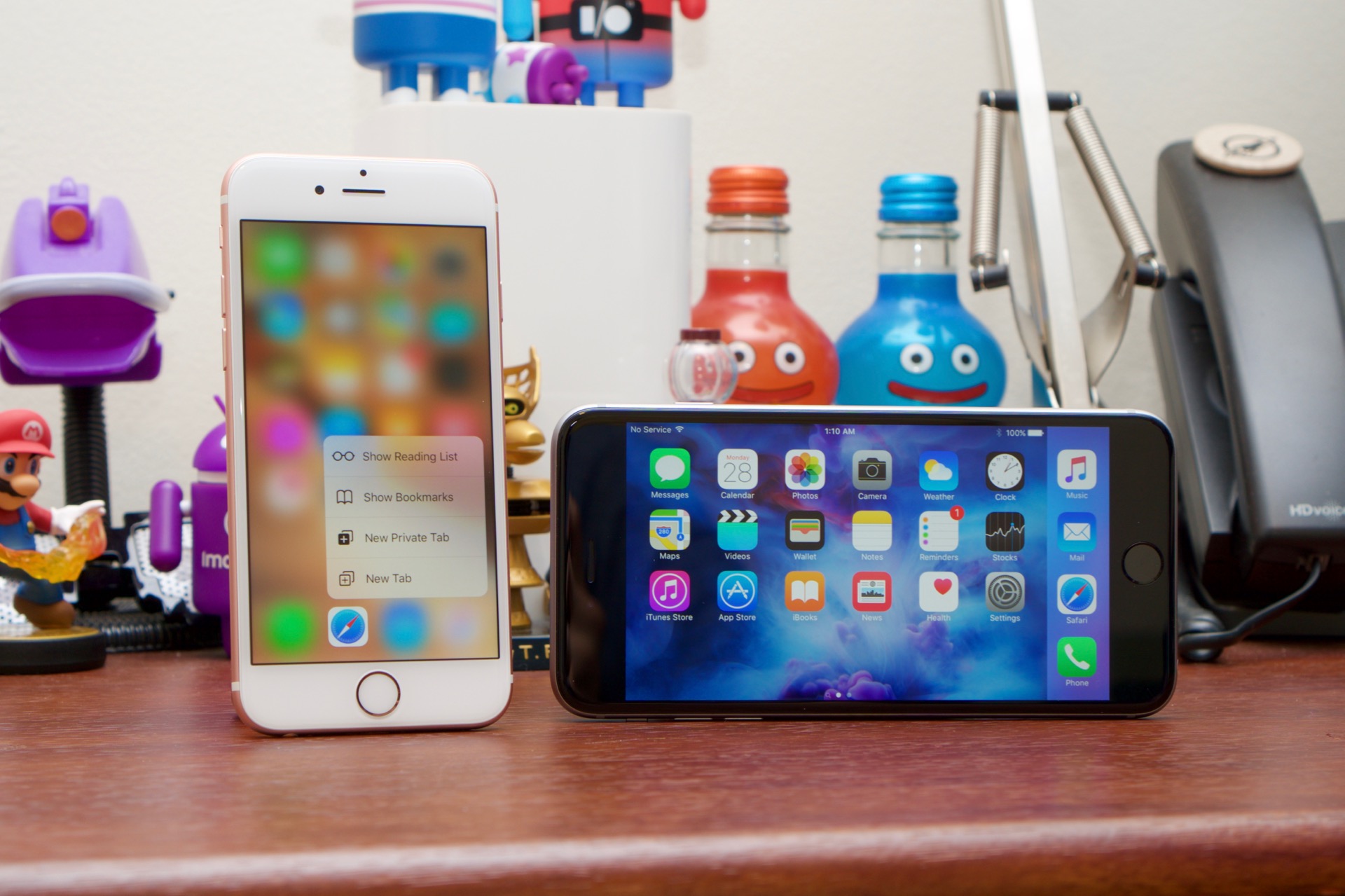
Enlarge / An errant update may have disabled your Mac's Ethernet port recently. (credit: Andrew Cunningham)

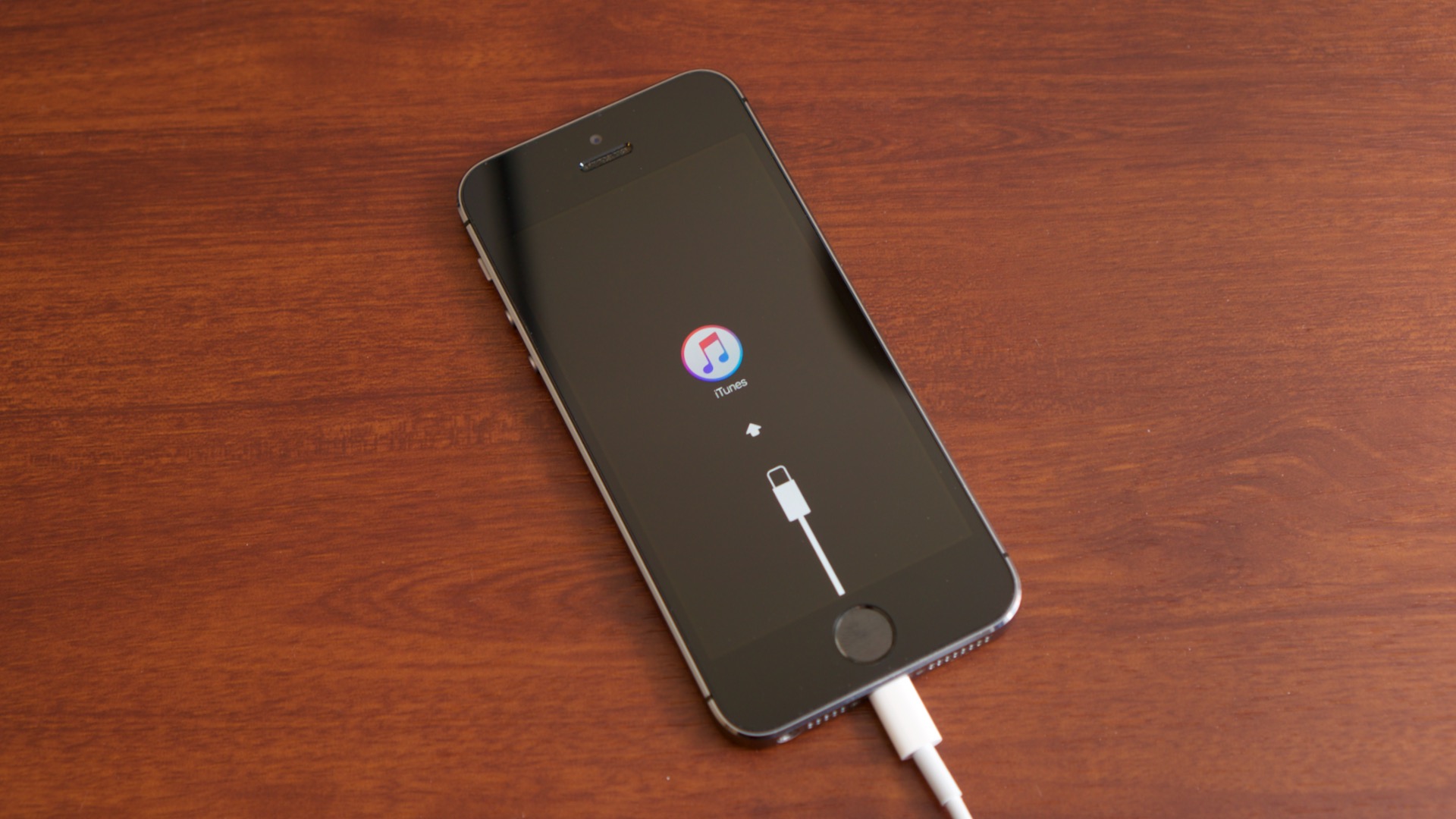
If you're having problems with your Mac's Ethernet port this morning, the culprit may be an errant automatic update that Apple published over the weekend. Luckily, the damage isn't permanent: an Apple support article posted yesterday will walk you through diagnosing and fixing the problem, which involves connecting to your network via Wi-Fi and running a software update command in the Terminal. If you're reading this and your Ethernet port is working fine, the odds are good that you've already installed the follow-up update released to fix the problem.

The culprit is an update for the System Integrity Protection feature for OS X, the El Capitan feature that protects some system folders and keeps unsigned or incorrectly signed kernel extensions (or "kexts," roughly analogous to drivers in a Windows or Linux machine) from loading. In this case, the kext used to enable the Ethernet port on Macs was blacklisted—if you restarted your Mac after applying this update but before your computer had a chance to download the quickly-issued fix, you'll find yourself without an Ethernet connection.

This blacklist isn't updated through the Mac App Store like purchased apps or OS X itself. Rather, it uses a seamless auto-update mechanism that executes in the background even if you haven't enabled normal automatic updates. Apple uses a similar mechanism to update OS X's anti-malware blacklist, a rudimentary security feature introduced in 2011 following the high-profile Mac Defender malware infection, and occasionally to push other critical software updates.

Read 1 remaining paragraphs | Comments
Pentium? Core i5? Core i7? Making sense of Intel’s convoluted CPU lineup

It defies simple explanation, but here’s how to know what you’re getting.

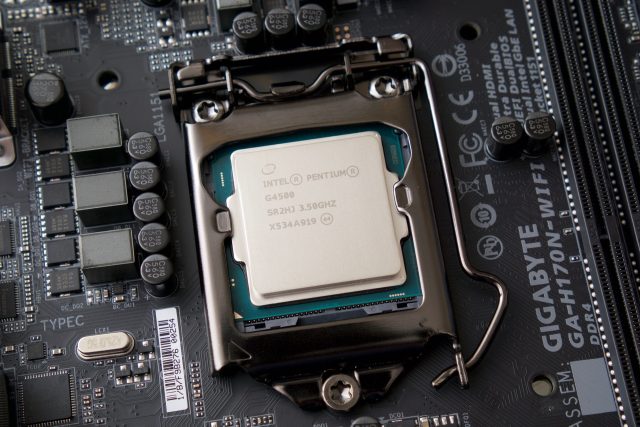
Intel's Skylake-based Pentium G4500. (credit: Andrew Cunningham)

Our creative director Aurich Lawson is building a PC to power a custom arcade cabinet, and he was having trouble picking a processor. Not because he didn’t know what he needed, but because he was having trouble matching what he needed (the cheapest quad-core CPU that meets the recommended requirements for Street Fighter V) with what Intel was offering (five different obfuscated brands spread out over multiple sockets and architectures).

And if you’re building a PC now after having been out of the game for a few years, it can be exceptionally confusing. Around the turn of the millennium you just had Celeron and Pentium. One name meant “cut-down low-end” and one meant “high-end, more features,” and you just bought the fastest one you could reasonably afford. Things got a little more confusing in the Core and Core 2 days (the Core branding continues to survive alongside the Celeron and Pentium brands), but you could at least use names like “Core Solo” and “Core 2 Quad” to guess which architecture and how many cores you were getting. Now there are three separate Core brands, Pentium and Celeron brands, and a long series of letters that you need to know to figure out what CPU you’re getting.

It's been a few years since the last time we demystified Intel’s CPU lineup, and in truth things haven’t changed too much. In broad strokes, the rules are the same. But Intel has introduced and retired a few CPU architectures and brands since then. We’ll run down the basics for both desktops and laptops to help you make some sense of things whether you’re building a computer or buying one from someone else.

Read 38 remaining paragraphs | Comments

“Aren’t you a little too old for that?” Two decades of playing Pokémon

From the archives: Pokémon came to the US 20 years ago—I’ve been around for most of it.

Article intro image

Enlarge / You've probably caught at least one of these, right? (credit: Andrew Cunningham)

On August 27, 1998, Topeka, Kansas became Topikachu for one day—a ceremonial renaming to celebrate the US arrival of a new video game franchise, Pokémon. While popular previously in Japan, the franchise's impact has been felt in the US ever since. To remember this gaming landmark, we're resurfacing this classic Ars tale of franchise fandom over Labor Day Weekend. The piece re-emerged once before in February 2016 for the 20th anniversary of the original release of Pokémon Red and Green in Japan, and it originally ran in October 2013.

I’ve been playing Pokémon games since I was 13, and I’ve felt just a little too old for the games pretty much the entire time. Having an eight-year-old brother slavishly devoted to the games, and the anime, and the trading cards, told Young Andrew all he needed to know about the age of kids who were into Pokémon. Even once he (er, me) finally gave in to his curiosity and began playing Pokémon Blue (via the No$gmb emulator on the computer), he only played it with headphones in and the door to his bedroom closed. That experience set the tone for the next decade-plus of Pokémon playing: done in secret, kept to myself, a source of shame.

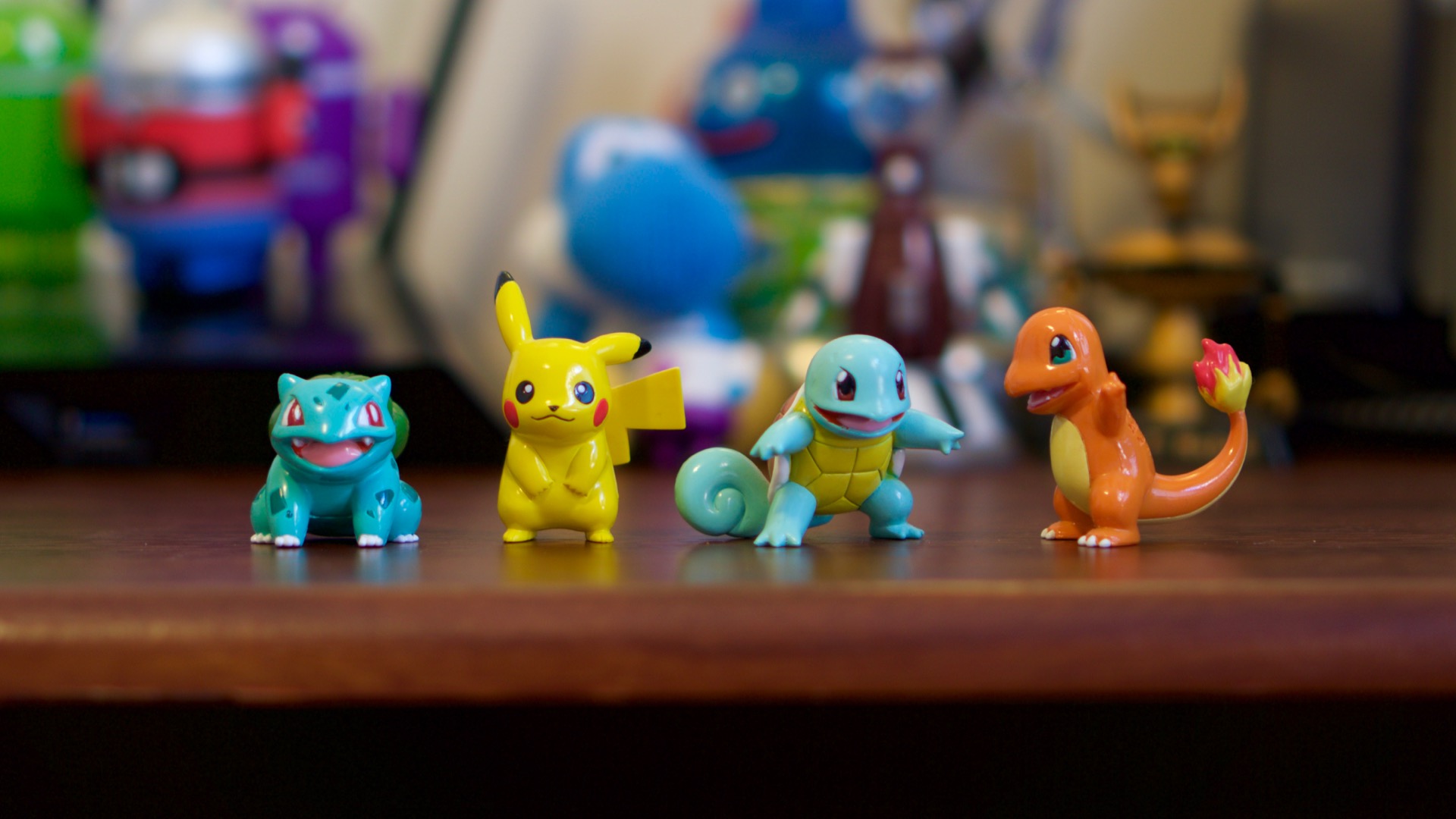
I’ve never watched the anime. I don’t collect the cards. I don’t play the weird offshoot games like Pokémon Snap, Pokémon Rumble, or Hey You, Pikachu! or whatever. My possession of Pokémon merchandise is limited to a handful of figurines I picked up when I went to Japan in 2010. But every time a new game in the main RPG series has come out, I’ve been there. The games have been with me through childhood into adolescence and adulthood, and while they’ve changed (and I’ve changed) the things I enjoy about them haven’t.

Read 39 remaining paragraphs | Comments

Here’s how Apple would build crypto-cracking software for the FBI

Apple objects to the resources it would need to dedicate to “Government OS.”

Enlarge / Apple argues that it would take an unreasonable amount of effort to code "Government OS" for the feds. (credit: Andrew Cunningham)

Apple's official legal response to the ongoing encryption dustup between it and the US government was released earlier today, and in it Apple makes many of the same arguments it has made since CEO Tim Cook posted his first letter to customers on the matter last week. But it goes into greater detail on several points, and it includes a section on the specific resources Apple would need to devote to writing the so-called "Government OS" update that would allow investigators to unlock the iPhone 5C in the San Bernardino case.

To recap, Apple says the court order is asking it to do three things: to disable the optional iOS feature that will erase a device after 10 incorrect passcode attempts; to allow passcodes to be entered rapidly and electronically so that investigators can unlock the device via brute force; and to remove the software-imposed time delays between incorrect passcode attempts. This software "simply does not exist today," and Apple says that creating it would "require that Apple write new code" rather than simply disabling features that are already there.

For starters, Apple estimates it would take between six and ten Apple engineers between two and four weeks to design, code, validate, and deploy the software update. "Members of the team would include engineers from Apple’s core operating system group, a quality assurance engineer, a project manager, and either a document writer or a tool writer," according to Apple's motion.

Read 6 remaining paragraphs | Comments

Samsung is making fast flash chips for 256GB phones and tablets

The UFS 2.0 interface will provide speed similar to today’s SATA SSDs for PCs.

(credit: Samsung)

The actual phones get the most attention at Mobile World Congress every year—the Samsung Galaxy S7, LG G5, and Xiaomi's Mi 5 all look promising in different ways—but component announcements can give us some insight into what to expect later this year and at next year's MWC. For example, Samsung has just announced 256GB NAND flash chips suitable for phones and tablets, many of which top out at 128GB today.

The capacity is interesting, but Samsung spends more time extolling the virtues of the Universal Flash Storage (UFS) 2.0 interface used to connect the storage to the rest of the phone. By using a two-lane storage interface, these chips promise sequential read speeds of up to 850MB/s and sequential write speeds of up to 260MB/s; the read speed is quite a bit higher than the mainstream SATA III SSDs available for many PCs today. The write speeds are likely capped because you can't fit as many flash chips into a phone or tablet as you can into a dedicated SSD, and SSDs need to be able to write to multiple flash chips at once to maximize performance.

UFS is just one possible solution for speeding up mobile storage. Apple, for instance, is using an NVMe interface for storage in its latest iPhones, the same interface that it's using for SSDs in newer products like the MacBook and Retina iMacs. Either way, the interface leads to better performance in phones and tablets, and (as Samsung points out) combined with USB 3.0 interfaces, it can improve transfer times when you're moving files over from a PC. Both can be considerably faster than the eMMC interface, which is still what is used most frequently in phones, tablets, and even low-cost laptops.

Read 1 remaining paragraphs | Comments
Report: Siri for Mac will be one of OS X 10.12’s major new features

Personal digital assistant may finally make the jump to the desktop.

(credit: Apple)

Apple's Siri personal assistant will finally be coming to OS X 10.12 when the OS is released later this year, according to a report from 9to5Mac. According to the report, a Siri icon will live in the menu bar in the upper-right corner of the screen along with icons for Spotlight, the Notification Center, and other features. Users will also be able to use a keyboard shortcut to bring up Siri, which will be an optional feature that can be enabled during first-time setup or in System Preferences (much as it works in iOS today).

Microsoft's Cortana feature made a similar jump from Windows Phone 8.1 to Windows 10 last year, and Google supports its "OK Google" voice commands in Chrome OS as well.

Since launching on the iPhone 4S in 2011, Siri has become a mainstay in most of Apple's products; it spread to the iPad relatively quickly, it came to the Apple TV when it was refreshed last year, and it's a primary input method for the Apple Watch. OS X already supports an optional Dictation feature for turning speech into text—in other words, the feature is a natural and long-awaited addition to the Mac platform.

Read 1 remaining paragraphs | Comments

The case for using iTunes, not iCloud, to back up your iPhone

Privacy is one argument, but it’s not the only one.

Enlarge (credit: Andrew Cunningham)

Since iOS 8 was released in September 2014, Apple has encrypted the local storage of all iPhones. That’s not news, but it’s become newly relevant since the company and the FBI started a very loud, very public fight about the data stored on a particular iPhone.

Privacy advocates have praised Apple’s commitment to full-device encryption by default, and after a false start last year, all new Android phones shipping with version 6.0 or higher should be encrypted by default as well. It’s an effective tool for keeping thieves from grabbing your data even if they can take your phone.

If you're looking for comprehensive privacy, including protection from law enforcement entities, there’s still a loophole here: iCloud. Apple encourages the use of this service on every iPhone, iPad, and iPod Touch that it sells, and when you do use the service, it backs up your device every time you plug it into its power adapter within range of a known Wi-Fi network. iCloud backups are comprehensive in a way that Android backups still aren’t, and if you’ve been following the San Bernardino case closely, you know that Apple’s own legal process guidelines (PDF) say that the company can hand iMessages, SMS/MMS messages, photos, app data, and voicemail over to law enforcement in the form of an iOS device backup (though some reports claim that Apple wants to strengthen the encryption on iCloud backups, removing the company's ability to hand the data over to law enforcement).

Read 10 remaining paragraphs | Comments

ARM’s Cortex A32 is a tiny CPU for wearables and Raspberry Pi-like boards

32-bit-only ARMv8 chip is designed to consume as little as 4mW of power.

ARM's Cortex CPU core designs are widely used by all kinds of chipmakers who don't want to create their own ARM CPU designs from scratch, so it's important to pay attention when the company announces a new one. The ones we see the most often around here are the mainstream 64-bit cores for smartphones and tablets—the high-end Cortex A72 and A57 and the mid-end Cortex A53—but ARM produces a variety of smaller designs for ultra-low-power and embedded applications, too.

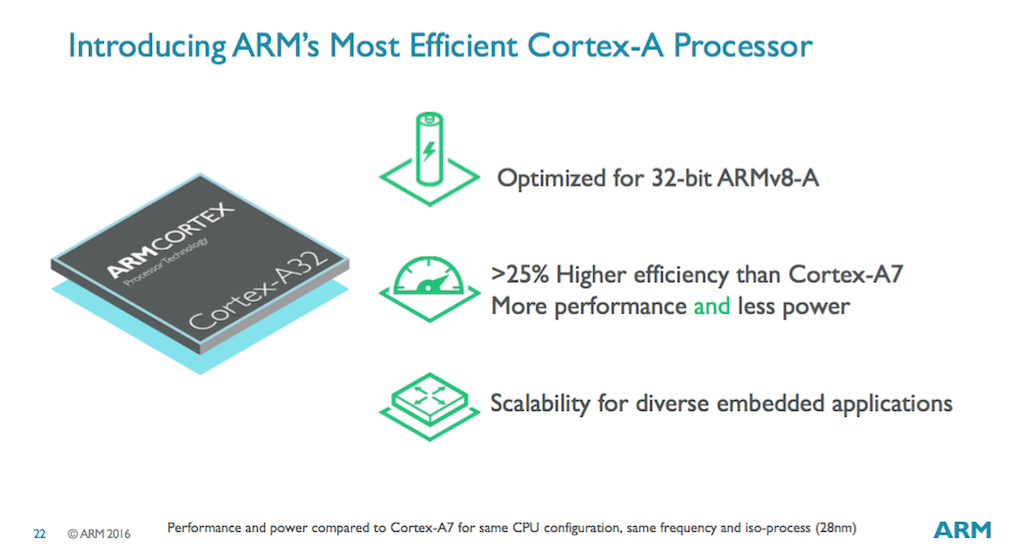
Enter the Cortex A32, a new super-small ARM core designed specifically for wearables, Internet of Things things, embedded systems, low-cost boards like the Raspberry Pi or Pi Zero, and other places where power, space, and cost savings are more important than raw performance. It uses the ARMv8 instruction set and is intended as a replacement for the older Cortex A7 and A5 architectures, both of which use the ARMv7 instruction set. However, the Cortex A32 can only run 32-bit code—to save space and power, the ability to run 64-bit code has been removed.

This is ARM's first CPU with the ARMv8 instruction set that doesn't include 64-bit support. So far, ARMv8 and 64-bit support have gone hand-in-hand. But the new instructions still give the A32 a good performance boost over the Cortex A5 and A7, particularly in cryptography performance. As we've seen in ARMv8-based smartphones, better cryptography performance can drastically reduce the performance hit you take when you encrypt a device's storage. For people who still want 64-bit support, the Cortex A35 CPU core offers similar performance and 64-bit instructions in a slightly larger package (ARM says the A32 is about 10 percent faster than the A35 at 32-bit operations, though, so there's a tradeoff either way).

Read 1 remaining paragraphs | Comments

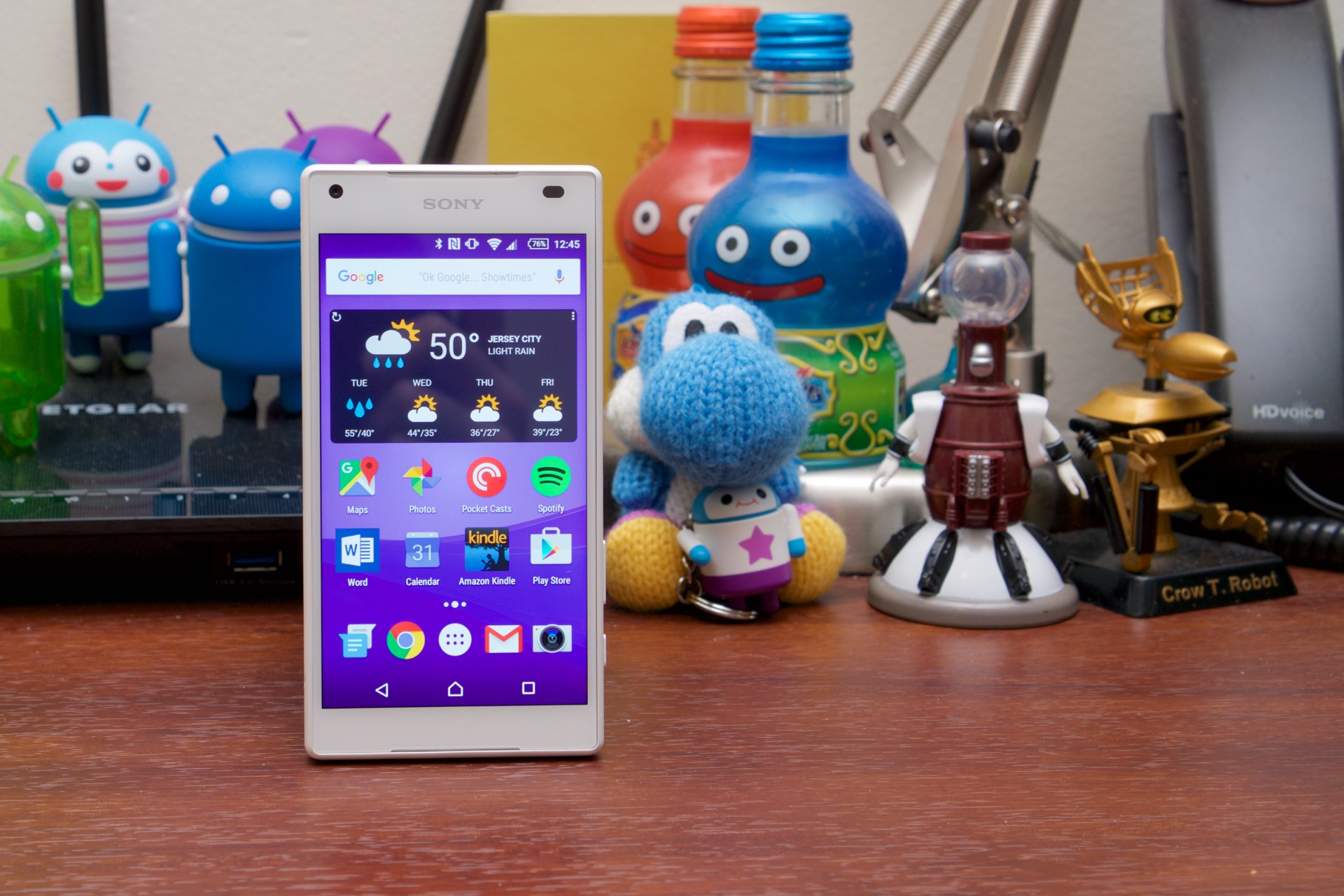
Xperia Z5 Compact reviewed: Not an amazing phone, but a small phone

If you hate big phones and don’t mind last year’s hardware, this one’s for you.

One oft-cited benefit of the Android ecosystem is its diversity. If you don’t like something that Samsung did to its flagship this year, you can go to another company whose phone you like better without leaving all your Google Play purchases behind.

But a confluence of factors—a slowed rate of hardware improvement, limits on what you can physically fit into a smartphone, general lack of imagination and risk-averseness from OEMs who are making razor-thin profits if they’re making profits at all—means that most flagship phones are frustratingly homogenous. Take a 5-point-something-inch screen and whatever Qualcomm’s latest chip is and squeeze it into a rectangle with the best battery and camera that will fit, and you’ve got yourself a flagship smartphone.

This is perhaps the worst deal for people who want a smaller smartphone that isn’t an older or slower smartphone. Flagships at or near 4.5-inches are essentially nonexistent. This brings us to Sony’s Xperia Z5 Compact, which is finally coming to the US after a few months of availability overseas. While that release approach means it’s not the freshest phone around, it’s still pretty much your only option if you want a phone that is simultaneously fast, small, and modern (at least until that “iPhone 5SE” comes out).

Read 32 remaining paragraphs | Comments
New iOS 9.2.1 build will un-brick iPhones affected by Error 53

TouchID still won’t work, but the rest of the phone will be usable.

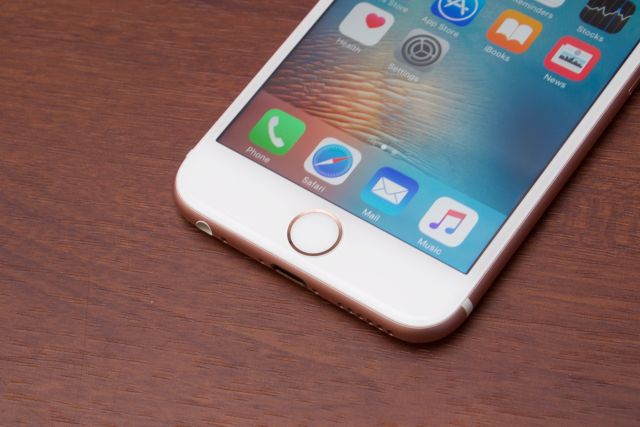
The iPhone 6, 6 Plus, 6S, and 6S Plus don't like it when you replace their TouchID sensors. (credit: Andrew Cunningham)

Apple is issuing a special version of iOS 9.2.1 today that is designed to unbrick iPhones affected by Error 53, according to TechCrunch. The company will also be posting a support document later today to detail the causes of and fixes for Error 53.

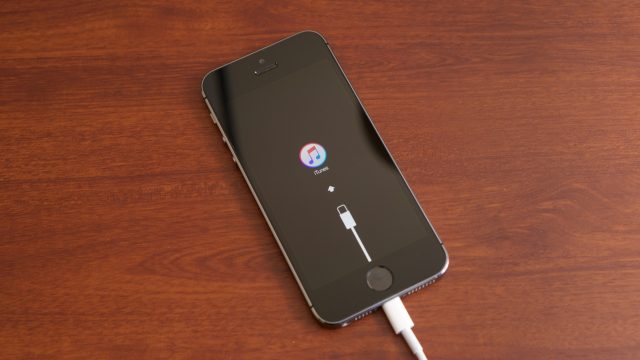
Error 53 crops up when you use iTunes to update an iPhone 6, 6 Plus, 6S, or 6S Plus with a TouchID button that has been repaired or replaced by a third party rather than an Apple-authorized repair center. Every iPhone is paired to the TouchID sensor that it ships with, and replacement TouchID sensors installed by third parties can only work as Home buttons and not as fingerprint scanners—this is primarily a security measure meant to detect and disable fraudulent fingerprint sensors. Phones stuck in a reboot loop because of Error 53 will be restored to otherwise normal operation by today's iOS update.

From Apple's statement on the issue:

Read 2 remaining paragraphs | Comments