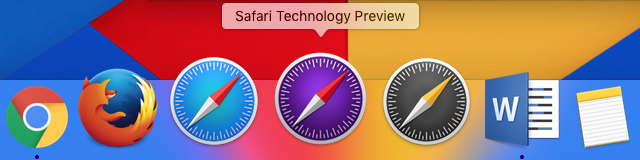
Apple’s Safari Technology Preview is a stable test platform for users and devs

Validated Safari builds offer new features without the pain of nightly builds.

The Safari Technology Preview's icon.

Over the last two or three years, Apple has put an increasingly large amount of its software development out in the open. Early betas of OS X and iOS updates, once locked behind a developer paywall and a bunch of nondisclosure agreements, are now released for the public to download and try out. Swift, Apple's new programming language, is now open source. And today, the company is releasing the first of many Safari Technology Preview builds, a new development snapshot of the browser designed to show off more features while offering more reliability and stability than the nightly WebKit browser builds.

Apple will validate Safari Technology Preview builds for two weeks to verify and improve stability, and the company will sign and validate the software and update it through the Mac App Store (the nightly version uses its own built-in updater). Practically speaking, the biggest benefit of the software signing is that you can sync iCloud data with the Technology Preview, making it easier to use the browser as a daily driver and really kick the tires. Google and Mozilla have offered official developer channels for beta and alpha versions of Chrome and Firefox for a long time now, and it's nice to see Apple following suit.

The Technology Preview offers several new features that are included in the nightly builds of WebKit but not in the stable version of Safari. It offers "one of the most complete implementations of ECMAScript 6," the latest version of the standard behind JavaScript; the B3 JIT JavaScript compiler, a new compiler described specifically for JavaScript; a "revamped IndexedDB implementation that is more stable and more standards compliant;" and support for Shadow DOM.

Read 1 remaining paragraphs | Comments
Microsoft: Windows 10 has over 270 million active users

Brisk adoption rate continues eight months after Windows 10’s initial launch.

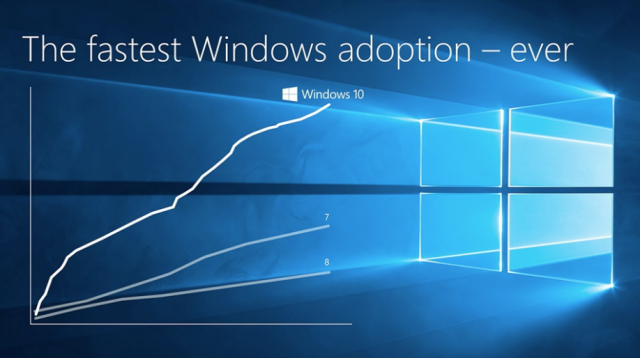
Enlarge / The upgrade arc of Windows 10. (credit: Microsoft)

Over 270 million users have either upgraded to Windows 10 or bought a new Windows 10 PC since the operating system shipped in July of last year, a number that Microsoft says outpaces Windows 7 adoption by 145 percent. Microsoft CEO Satya Nadella says that the operating system is the "fastest growing version of Windows for both consumers and enterprises," and Windows and Devices group VP Terry Myerson says it has been used for more than 75 billion hours.

Windows 10's adoption rate has been brisk since it was released thanks to positive buzz and the return of the Start menu: there were 14 million upgrades in the first day, 75 million in the first month110 million installs by early October, and 200 million by early January. Developers looking to build Universal Windows Platform (UWP) apps for the Windows Store should be heartened by these numbers—the install base is already quite large, and it's continuing to grow.

Of course, Windows 10 adoption has also been helped along greatly by the fact that the operating system is available as a free download to all Windows 7 and Windows 8 users (in a handful of cases, it has been installed on systems whether users wanted it or not). The free upgrade is scheduled to end in July barring some extension from Microsoft, so we may see this relatively brisk adoption rate drop off after that.

Read on Ars Technica | Comments

Poorly behaved app causing crashes and link problems for some iOS 9.x users

An edge case has exposed an iOS bug that causes crashes and other issues.

Enlarge / The good news is that not all iOS 9 users are affected by this bug! The bad news is that if you are affected, you might be stuck waiting on a fix. (credit: Andrew Cunningham)

Since iOS 9.3 was released last week, we've seen several complaints from users about links to external webpages in Safari or any iOS app—try to tap them, and instead of opening, they just sit there without doing anything. We weren't able to replicate the issue on our iDevices initially, but some extra sleuthing was able to track down a couple of potential sources for the issue.

Ben Collier probably has the most comprehensive description of what is going on. In iOS 9, developers can take advantage of a feature called "Universal Links" to associate their apps with their websites. When their app is installed on your phone or tablet, links to those sites open up in their apps instead of in Safari as they normally would.

It turns out that the app for travel site Booking.com crammed every single URL from its site into the list of associated links in its app rather than using wildcard characters to do the same thing. The list was 2.3MB in size, well beyond what iOS is apparently willing to tolerate. Instead of failing over gracefully, iOS chokes on either the size of this file or an associated bug in the system process for the Shared Web Credentials feature and simply refuses to work at all. Tapping the link does nothing, and long-pressing the link crashes your app entirely.

Read 3 remaining paragraphs | Comments

9.7-inch iPad Pro review: What makes something “Pro” anyway?

The smaller Pro straddles the line between the 12.9-inch version and the Air 2.

If you’re Apple, how do you decide what constitutes a “Pro” device? Is it in the specs? Usually Pro products are faster and offer more storage and RAM than their non-Pro counterparts. Is it something special about the hardware and software? Often, yes, Pro products have specialized features that non-Pro products either get later or don’t get at all. Is it about the kinds of tasks they can perform? Sort of. Most Pro and non-Pro products run the same software, but the Pro can perform actions faster and better thanks to the aforementioned hardware improvements.

Some Pro products are also more “Pro” than others. There’s a huge gap between the lowest-end Mac Pro and the highest-end version of the same machine. The 15-inch Retina MacBook Pro offers all kinds of performance improvements that the 13-inch version doesn't.

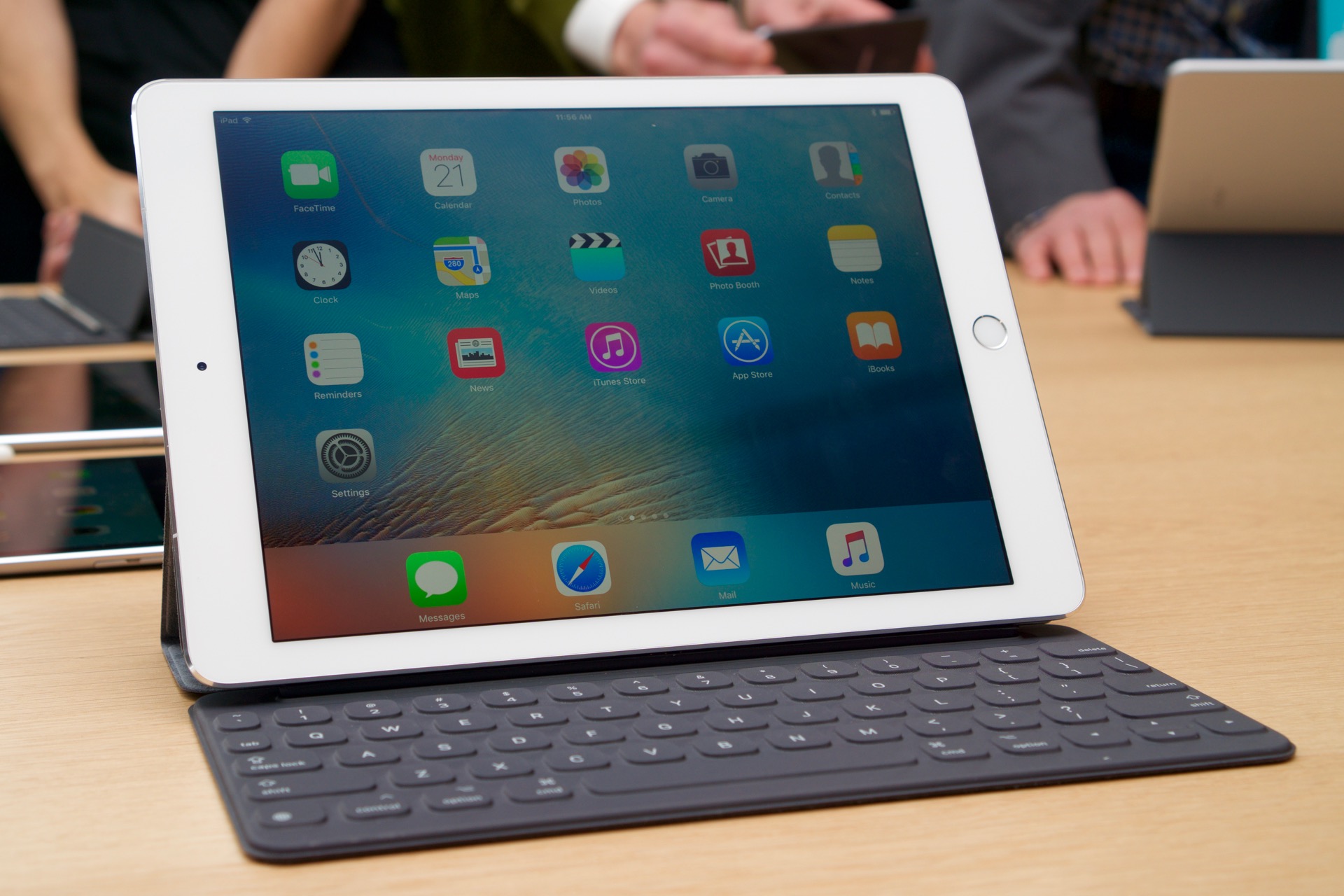
Keep all of this in mind as you consider the 9.7-inch iPad Pro. In some ways, it is decidedly more “Pro” than the iPad Air 2 it kind of, sort of replaces—the new iPad Pro is faster, and it supports the Smart Connector and Apple Pencil. Its screen technology is more advanced, and in some ways it’s even better than the 12.9-inch iPad Pro Apple released in the fall. But this new release isn't quite as big and it isn't quite as fast. The 9.7-inch iPad Pro also shares a few areas of overlap with the iPad Air 2, which is still hanging around at lower new and refurbished price points. It’s Pro, in the context of the rest of the iPad lineup, but it's not the most Pro.

Read 44 remaining paragraphs | Comments

Apple pulls iOS 9.3 update for older devices following activation problems

iPhone 5S and older, iPad Air and older, and others are potentially affected.

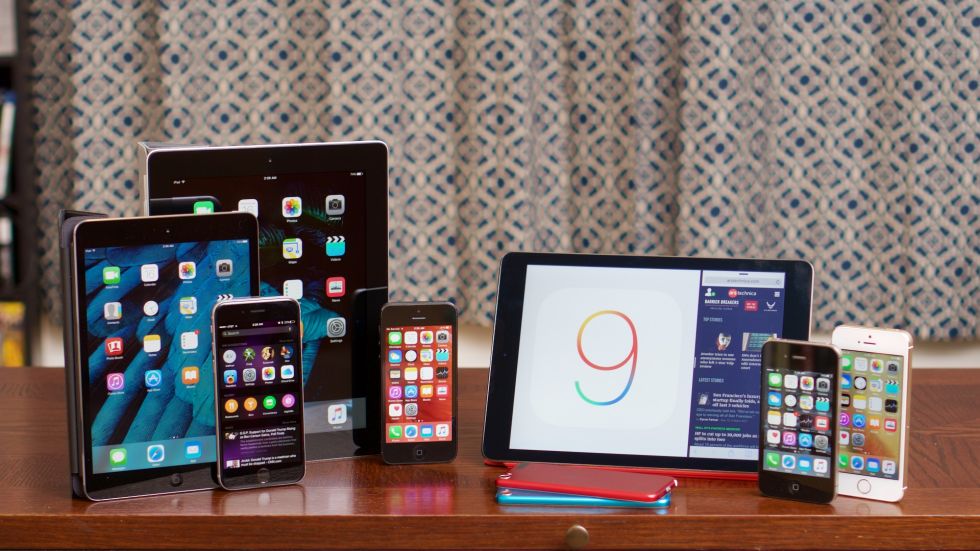
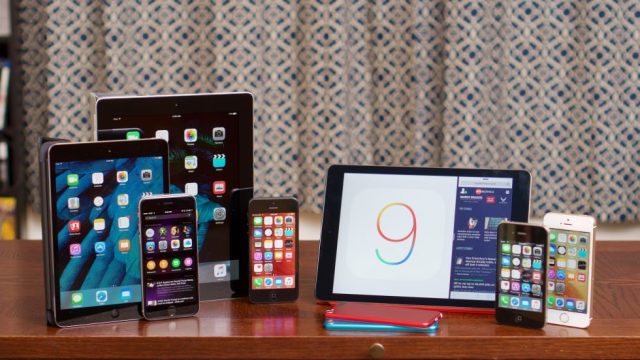
The iPhone 4S and other older iDevices could be affected by this problem. (credit: Andrew Cunningham)

Apple has temporarily pulled the iOS 9.3 update for older iDevices following some issues with device activation. On a support page for the update, the company said that affected products could get stuck during the activation phase of the update if users didn't happen to remember their Apple ID passwords.

Devices affected include the iPhone 4S, 5, 5C, and 5S; and the iPad 2, third- and fourth-generation Retina iPads, and the iPad Air. Apple's page doesn't mention the iPad Mini or iPod Touch lines, but according to this Twitter account that tracks iOS updates, the iPad Mini, Mini 2, and Mini 3 and the fifth-generation iPod Touch are also affected.

While Apple works on a fix, the company says that you should try to reset your password or disable the Activation Lock feature at iCloud.com or connect the affected device to a computer running iTunes. Apple said in a statement to iMore that it would be posting a fixed version of the update "in the next few days," and we'll update this post when it does.

Read on Ars Technica | Comments

Apple re-posts iOS 9.3 update for older devices to fix activation problems [Updated]

iPhone 5S and older, iPad Air and older, and others are potentially affected.

The iPhone 4S and other older iDevices could be affected by this problem. (credit: Andrew Cunningham)

Update: Apple today posted a new version of the update, build 13E237, to fix the activation problem for all affected devices. It's currently available to download over-the-air or via iTunes.

Original story: Apple has temporarily pulled the iOS 9.3 update for older iDevices following some issues with device activation. On a support page for the update, the company said that affected products could get stuck during the activation phase of the update if users didn't happen to remember their Apple ID passwords.

Devices affected include the iPhone 4S, 5, 5C, and 5S; and the iPad 2, third- and fourth-generation Retina iPads, and the iPad Air. Apple's page doesn't mention the iPad Mini or iPod Touch lines, but according to this Twitter account that tracks iOS updates, the iPad Mini and Mini 2, and the fifth-generation iPod Touch are also affected.

Read 1 remaining paragraphs | Comments
Unreleased “12-inch MacBook (Early 2016)” shows up in OS X Server update

“MacBook 9,1” was allegedly on the “maybe” list for Monday’s event.

(credit: Andrew Cunnigham)

Apple's last two product events have spent time on the Apple Watch, the Apple TV, the iPad, and the iPhone, but the Mac has been conspicuously absent. Yet there's still work going on behind the scenes, as a tipster pointed out to 9to5Mac. A reference to a refreshed version of the 12-inch MacBook made it into the OS X Server 5.1 update that was released alongside all the other Apple software updates on Monday.

The NetBoot feature in OS X Server lets you offer network-based OS X images to Macs, and administrators can set up filters to let them serve specific images to specific Mac models—the entry for an Early 2016 version of the 12-inch MacBook is present in this filter list, as seen above. Unfortunately, we can't guess much else about the MacBook other than the fact that it exists and probably uses upgraded Skylake Core M chips from Intel. If there have been any external changes (more or different ports, for instance), we won't know about them until the official announcement.

Some rumors suggested that this MacBook could show up at Monday's event, though it ultimately never did. The mention in the OS X Server update may be a leftover from a time when the MacBook was still slated for a March introduction, and it may have survived because it's buried so far down in the software—model filtering is an obscure preference inside NetBoot, which is an obscure feature inside OS X Server, which is itself a relatively obscure piece of software.

Read 1 remaining paragraphs | Comments
A day with the 9.7-inch iPad Pro and its accessories

Performance, Smart Cover oddities, and coming to a truce with the Smart Keyboard.

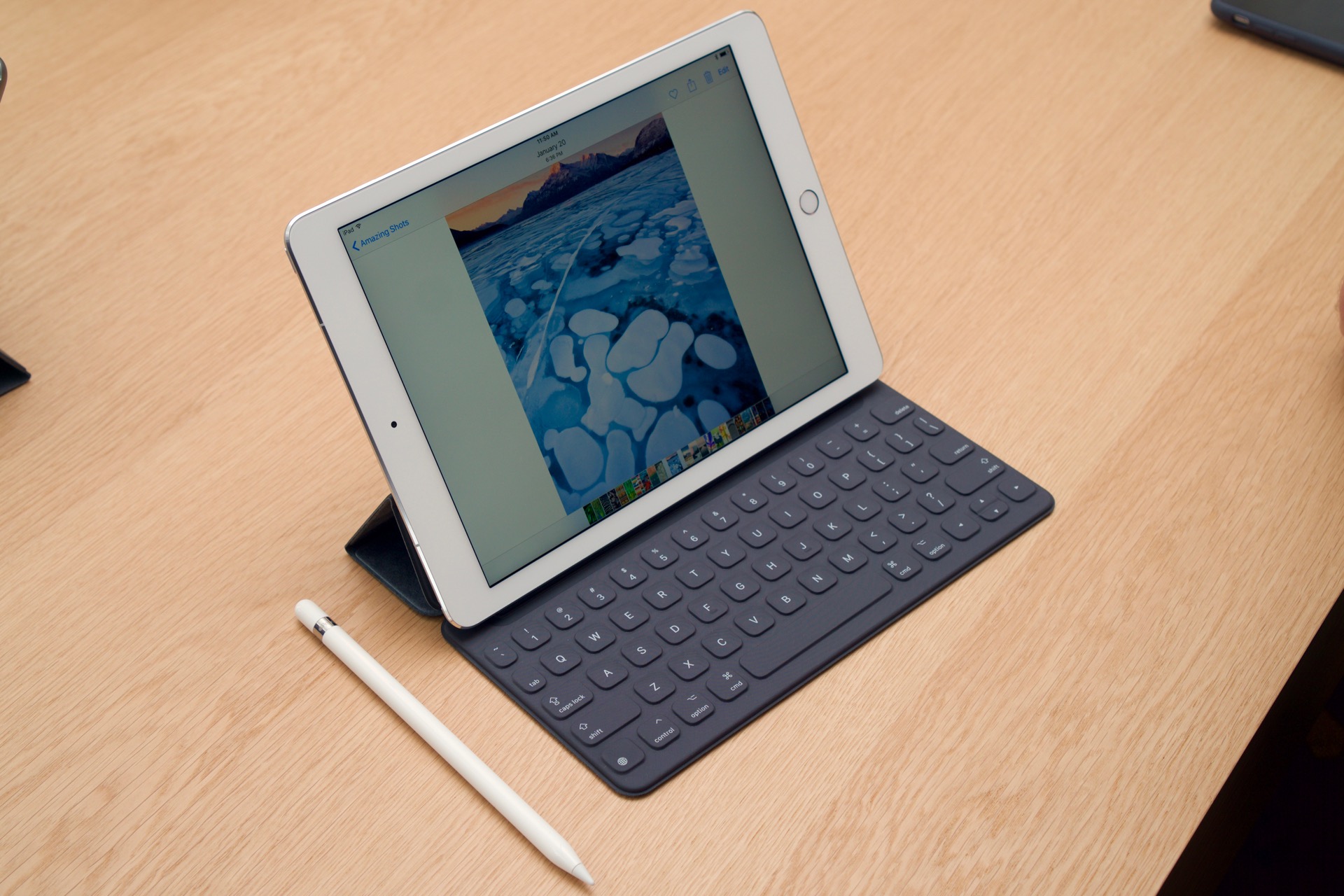
Earlier today, I was handed a 9.7-inch iPad Pro and a gaggle of accessories in a big bag with my name on it, which is pretty standard procedure when companies hand review units off to you. And then I was told there was no embargo.

For those of you who don’t know, pre-release review hardware is often given under the condition that you not publish anything about it until a certain date and time. It’s unavoidable in access-based journalism and it’s a double-edged sword. On the one hand, agreeing to let a company dictate when you can publish something gives the company tighter control of its message, and outlets that aren't included in that embargo are at a disadvantage compared to publications that are. On the other hand, it serves as a sort of safety cushion for reviewers, giving us time to test things thoroughly and prepare articles for publication without fear that we’ll be beaten to the punch by some competing outlet.

We’re flying without that particular safety cushion for the new iPad Pro, so we’ll try to split the difference. Today, I’ll give you some expanded impressions of the hardware and accessories based on the few hours I’ve been able to use it (as opposed to the 10-15 minutes that are typical for a hands-on session). Next week, I’ll expand those impressions into a full article with additional observations, more performance and battery data, and other thoughts about the new iPad Pro’s place in Apple’s lineup and the wider market.

Read 13 remaining paragraphs | Comments

9.7-inch iPad Pro and iPhone SE both have 2GB of RAM

Good news for the phone, not-as-good news for the tablet.

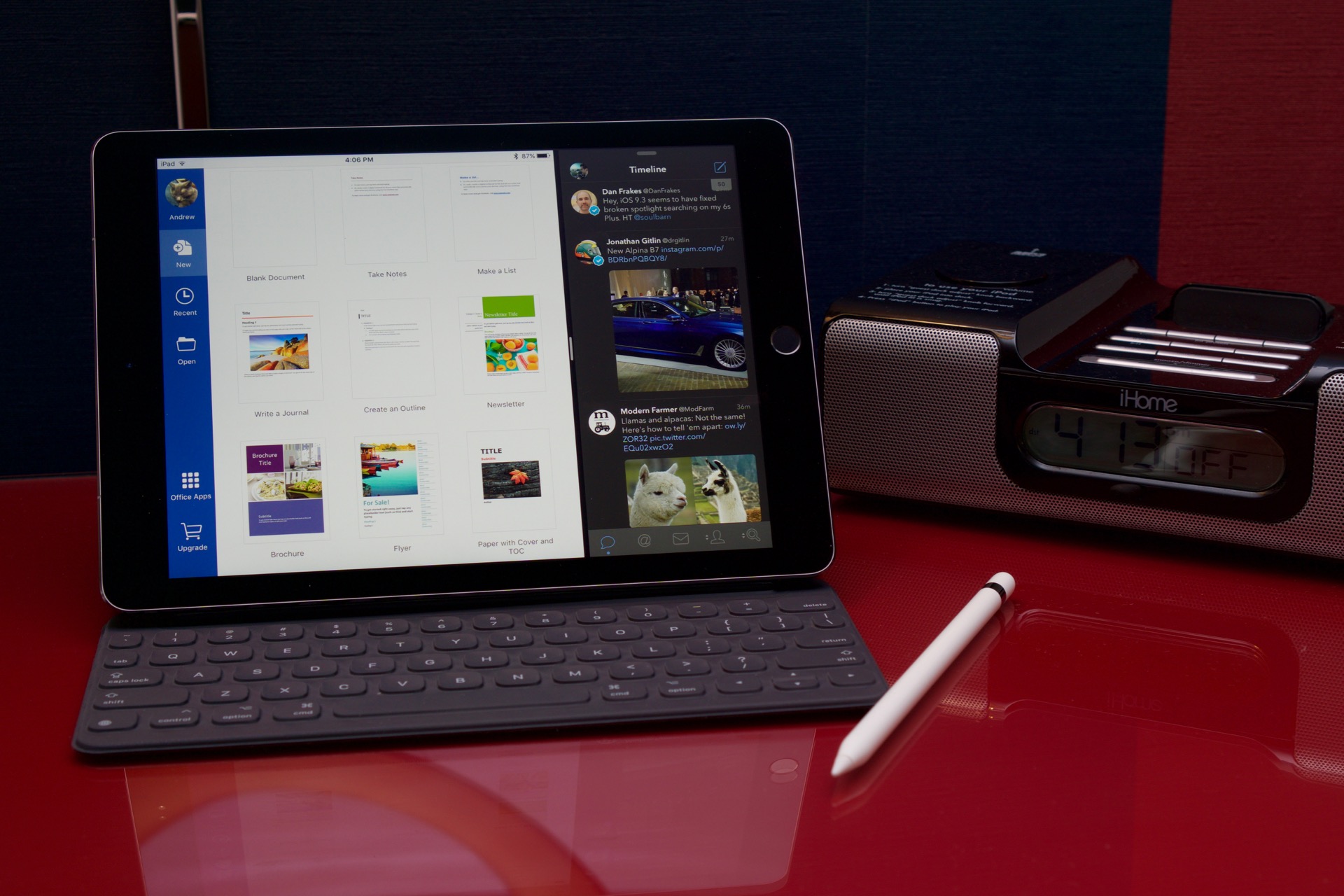
Enlarge / The 9.7-inch iPad Pro isn't quite the equal of the 12.9-inch version. (credit: Andrew Cunningham)

Apple has started distributing both the iPhone SE and the 9.7-inch iPad Pro to journalists, and one of the first things to come to light has been the amount of RAM in each device. Memory in iDevices has a big impact on performance and general usability, but Apple almost never actually talks about it so we need to have hardware in hand before we can get the full story.

The good news is that the iPhone SE has the same 2GB of RAM as the iPhone 6S and 6S Plus despite its smaller size and lower price. The not as good news is that the 9.7-inch iPad Pro has the same 2GB of RAM as the iPad Air 2, not the 4GB of RAM on offer in the 12.7-inch version.

RAM doesn't have quite the same effect in an iOS device as it does in laptops and desktops—iOS was originally designed for low RAM devices and even though current iPhones and iPads have much more RAM than the 128MB in the first iPhone, the OS is still aggressive about ejecting apps from memory. Giving an iPhone or iPad more RAM doesn't necessarily speed up general performance, but it does mean that apps and browser tabs need to be ejected from memory less often. Today this is particularly beneficial in Safari, which needs to reload tabs when they're ejected from RAM—at best this process adds a couple of extra seconds to what ought to be a simple tab switch, and at worst you don't have connectivity and so can't see the tab you're trying to open.

Read 1 remaining paragraphs | Comments
Apple’s small flagship phone is a much-needed course correction

Opinion: Big flagships are great, but we need other kinds of high-end phones.

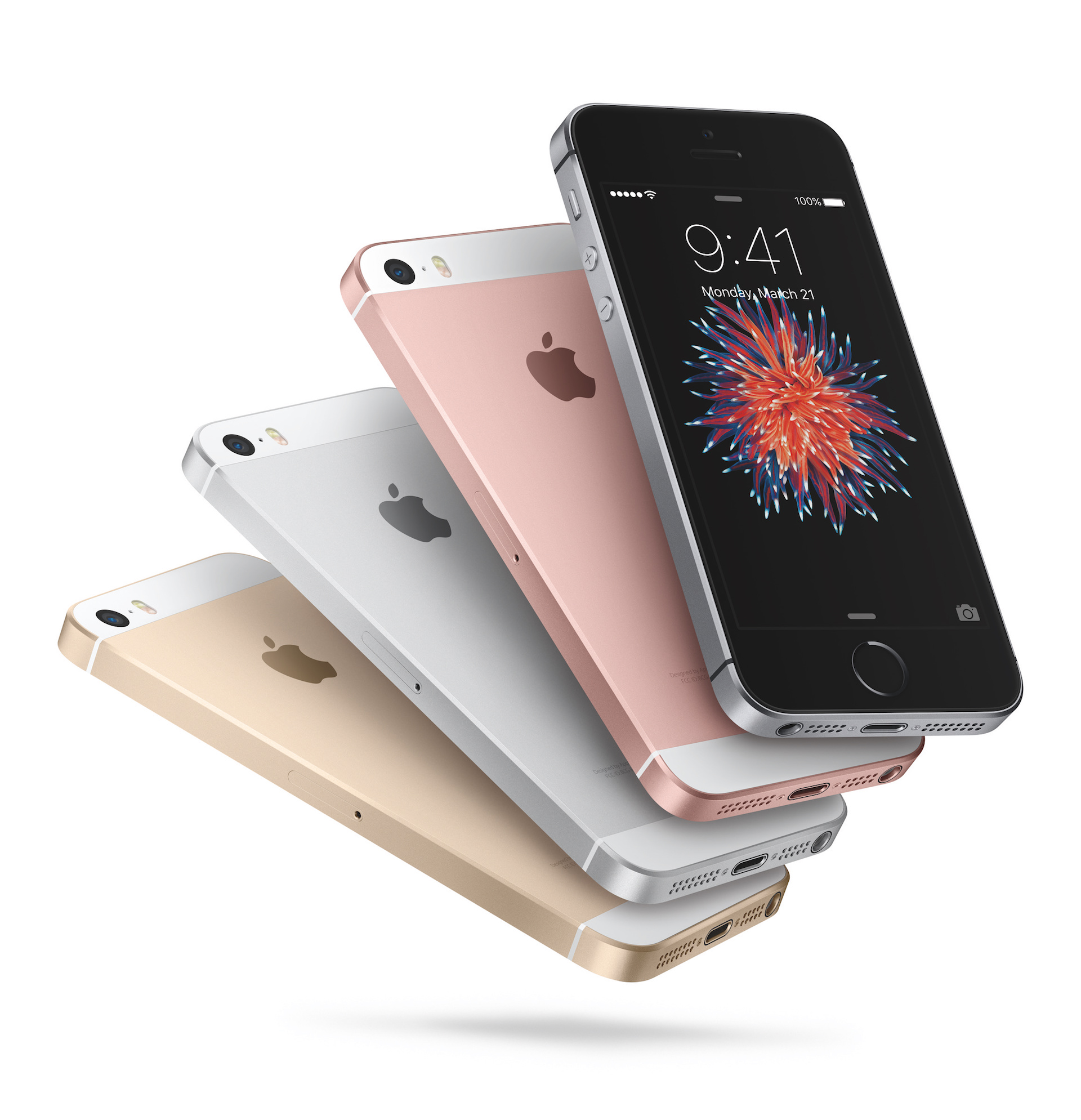
Enlarge / The iPhone SE will hopefully "inspire" some small, high-end competitors from other ecosystems. (credit: Apple)

People want big phones. That’s an unquestionable fact. Look at Apple’s iPhone sales for the entire year of 2015, and you’ll have all the proof you need (and if you need more, remember that it was unexpectedly strong sales for Samsung’s original Galaxy Note that helped stoke interest in big phones in the first place).

I myself switched to an iPhone 6 the minute it came out in 2014, and I upgraded to a 6S last year. I haven’t looked back. But I’ve only ever wanted the 4.7-inch versions of both phones—the 5.5-inch Plus series phones are just too big and awkward for me.

And that’s the rationale behind the iPhone SE. It’s a high-end option for people who want a new phone but don’t want to deal with a bigger phone. It’s remarkable primarily because most smartphone manufacturers have completely abandoned smaller high-end phones as they’ve chased bigger screens (Sony’s Xperia Compact series being the most notable exception).

Read 5 remaining paragraphs | Comments